Manage Projects, Delivery, and Team Execution in One Place
Plan projects, track progress, manage workloads, collaborate with your team, and keep delivery connected to the rest of your business operations.
Work the Way Your Team Operates
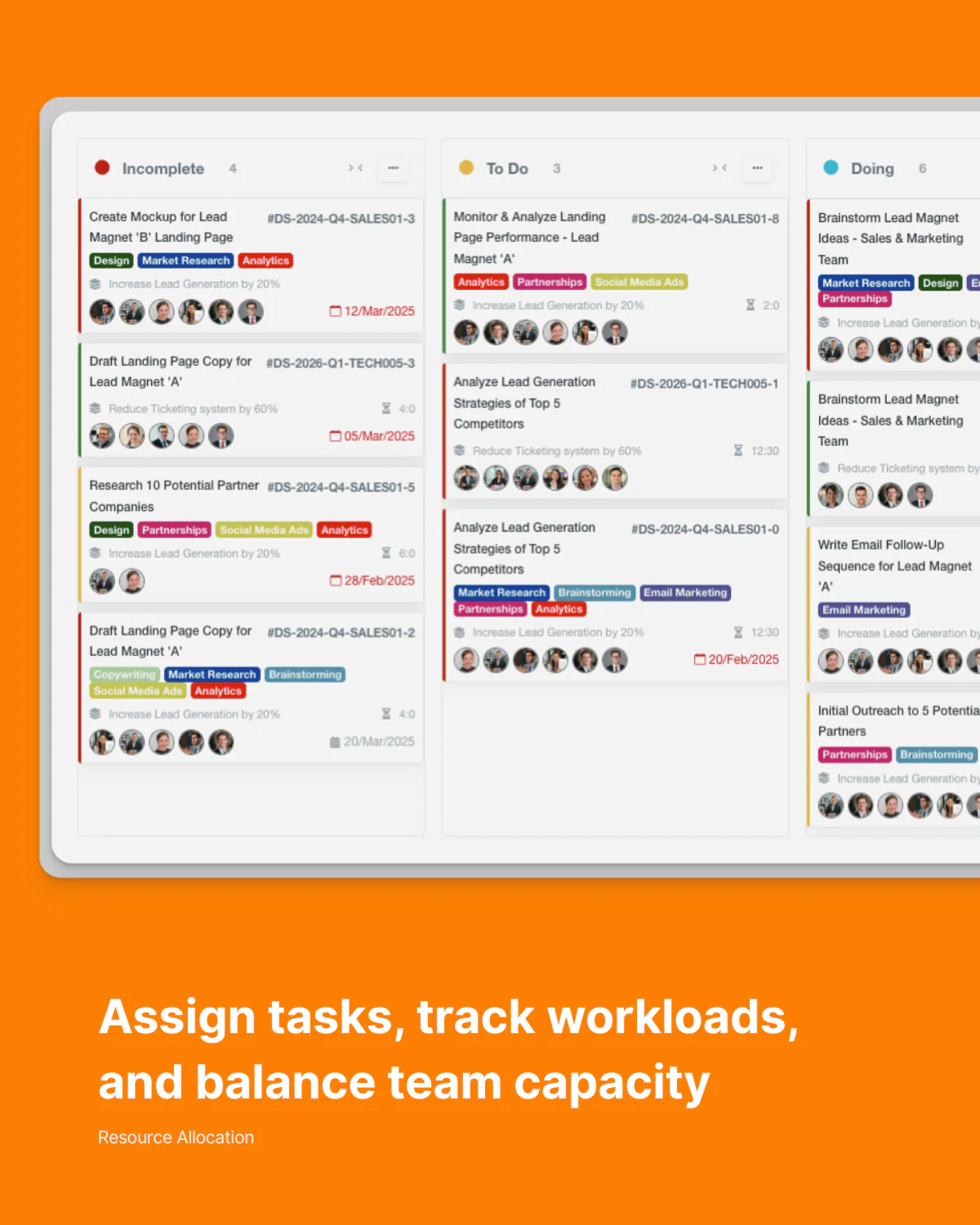
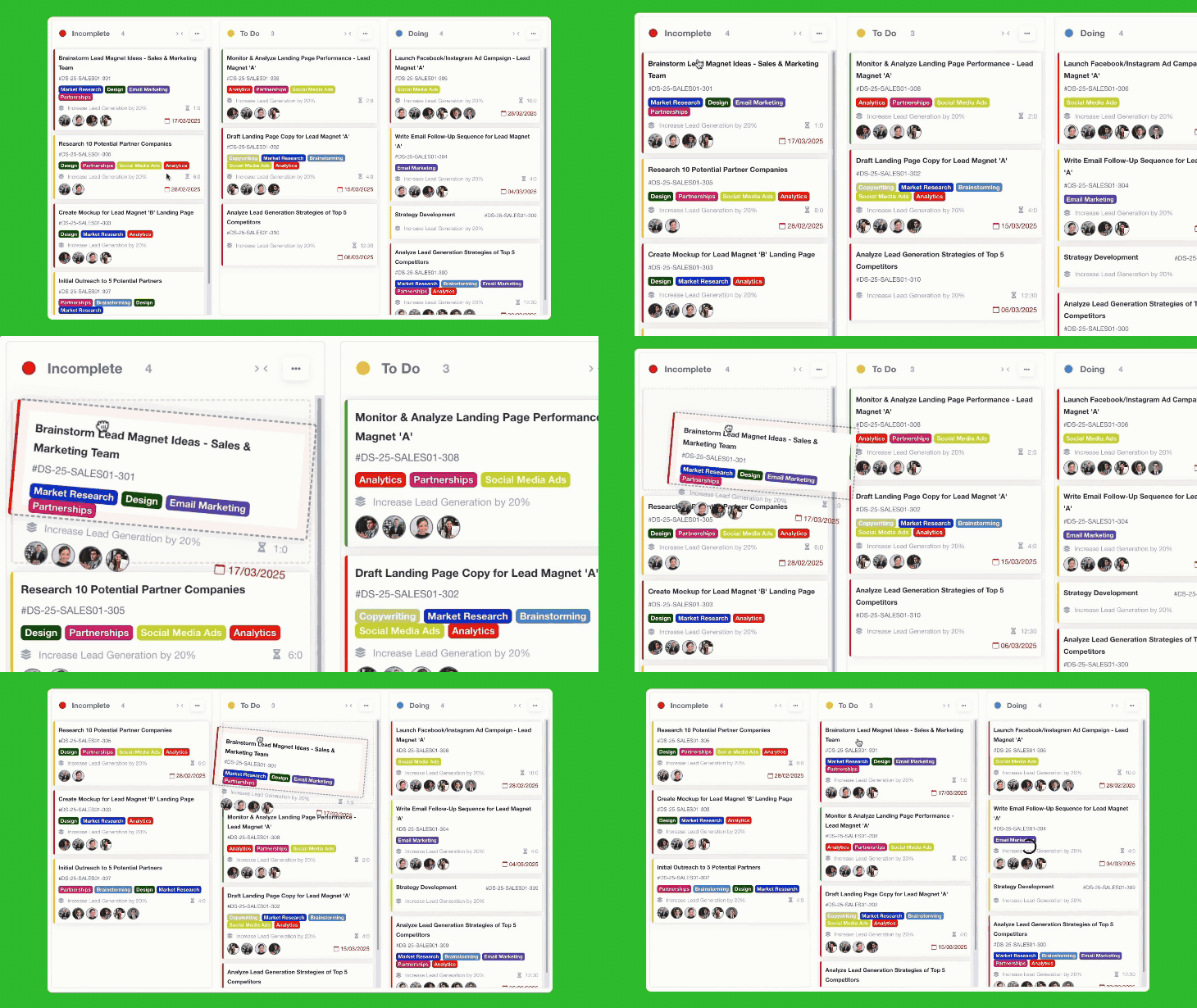
Kanban Boards
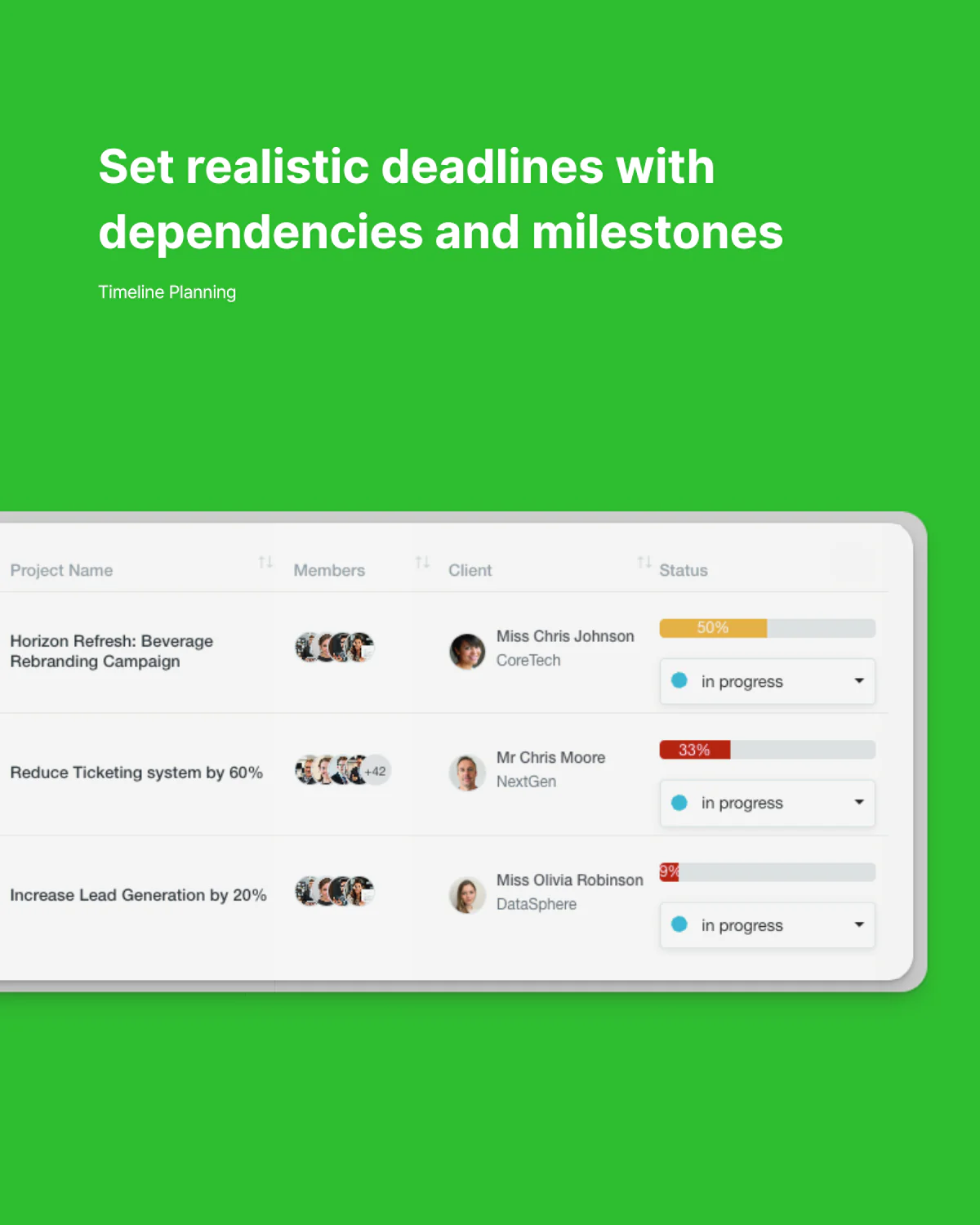
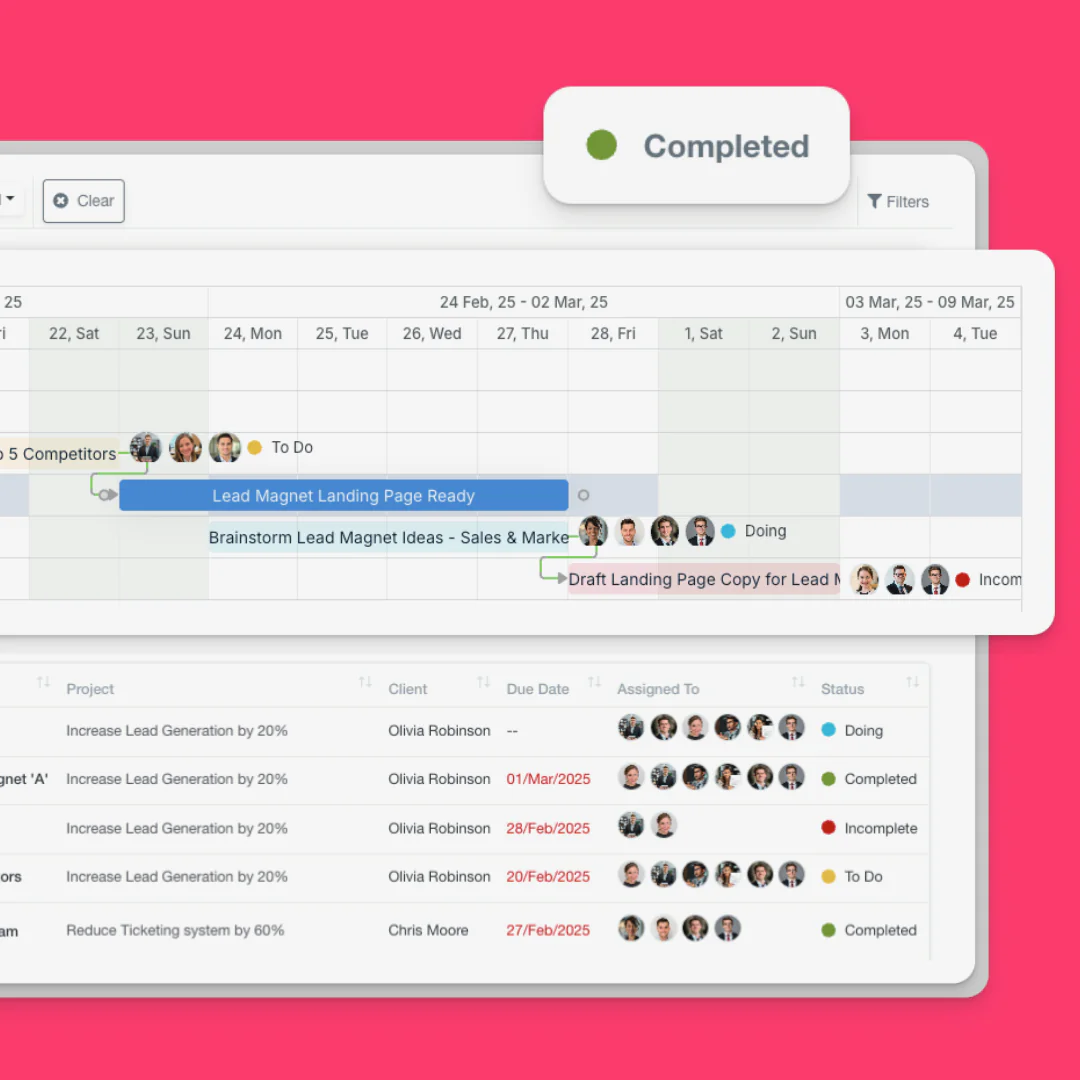
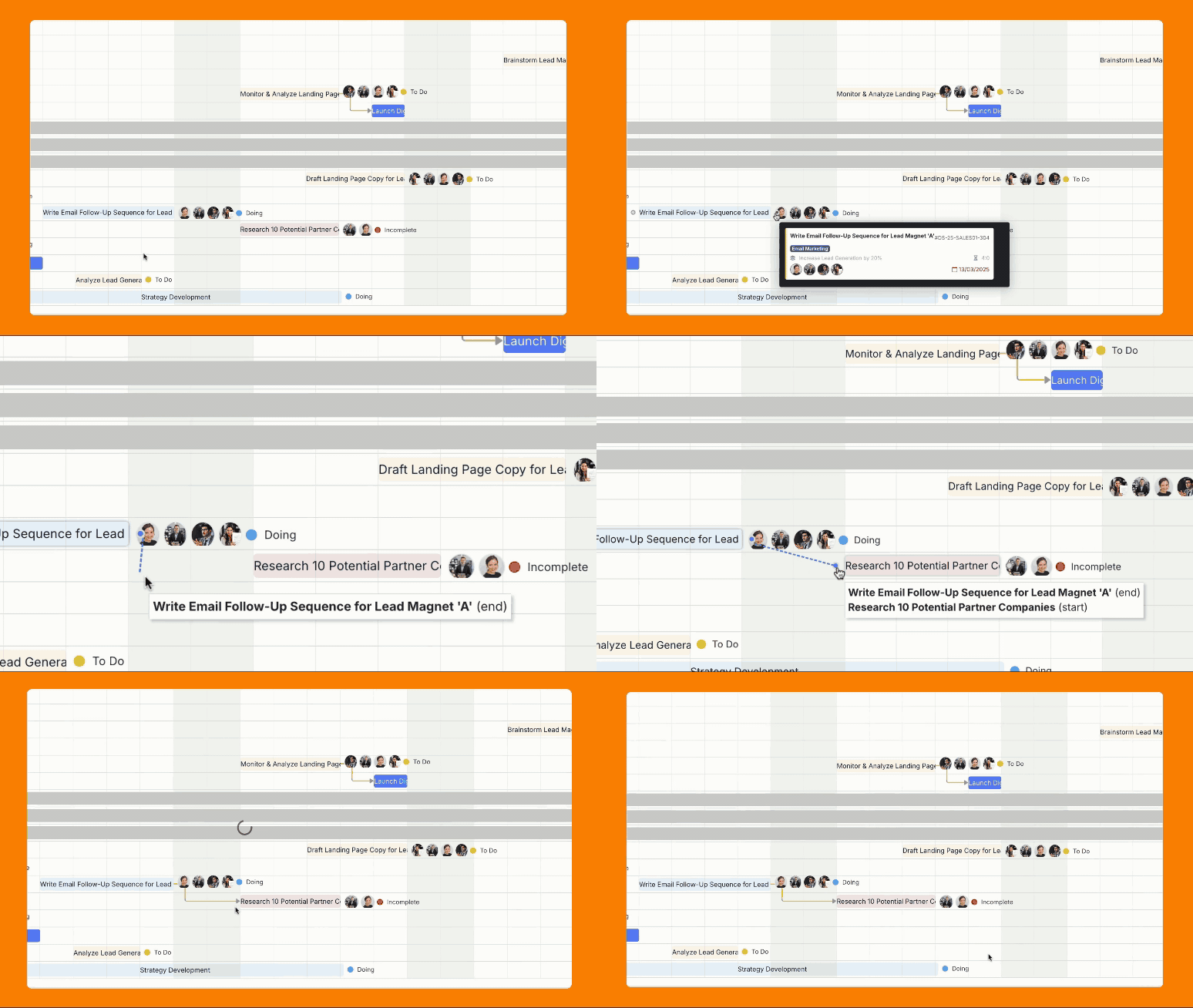
Gantt Charts
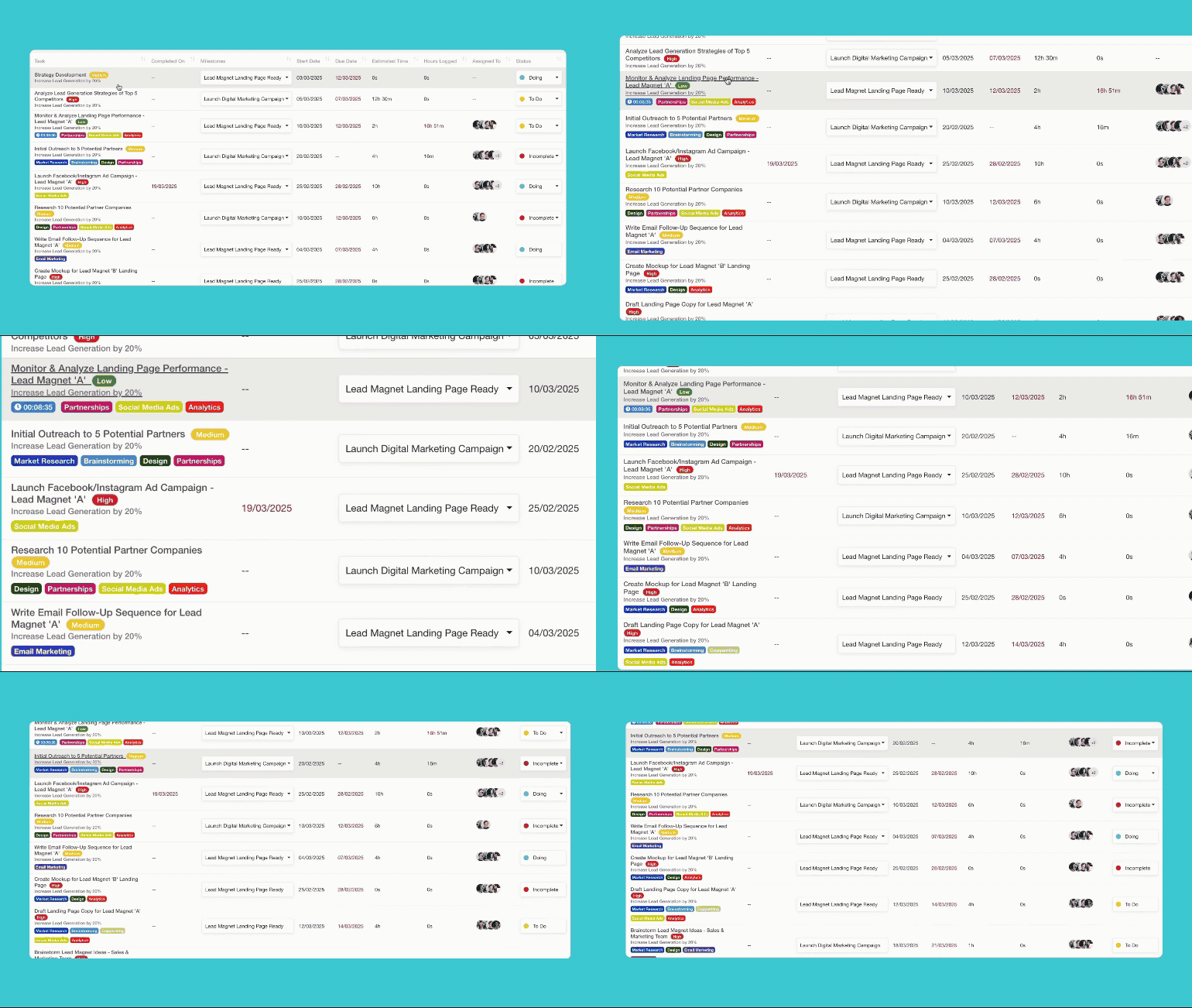
List View
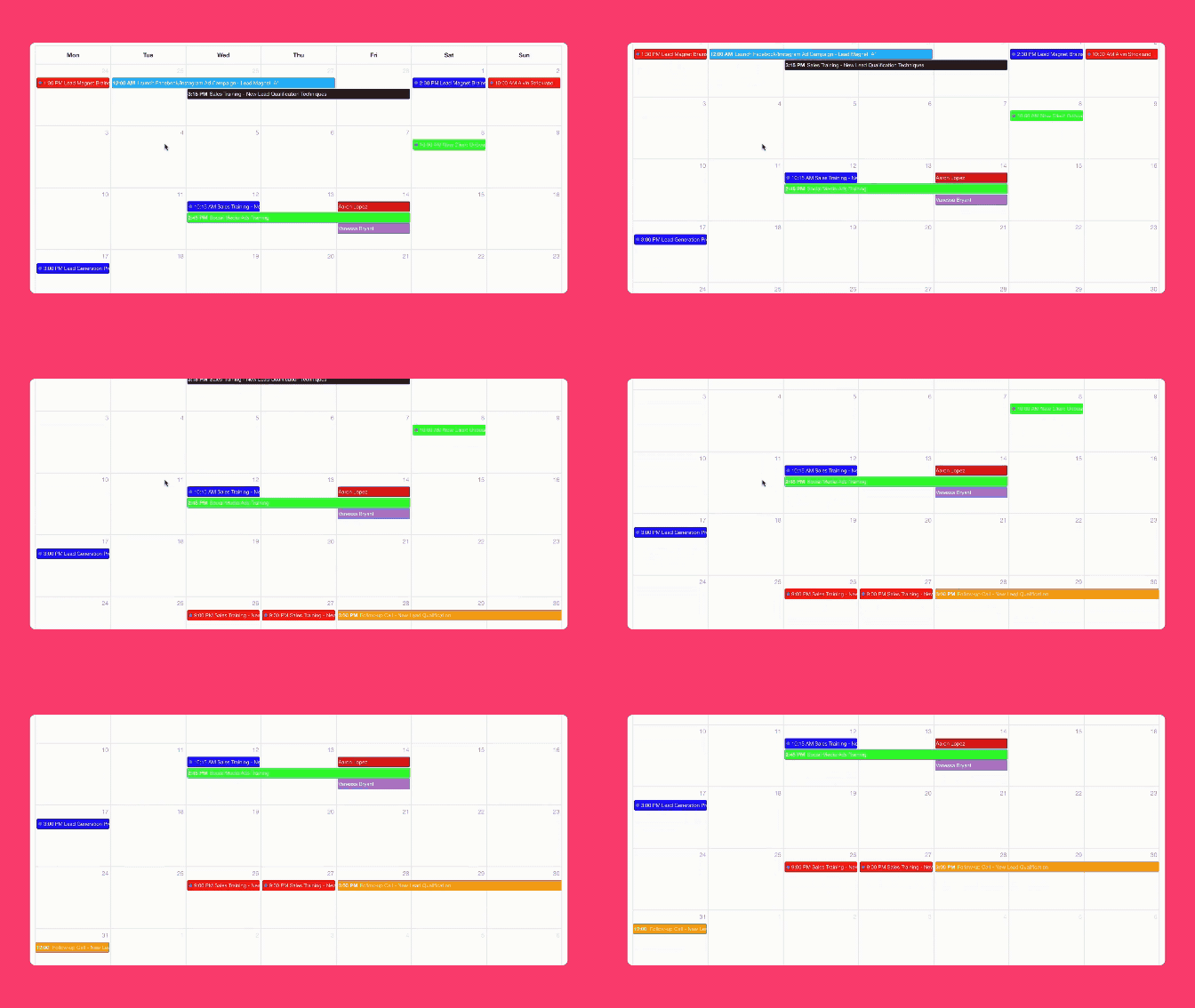
Calendar View
Built with modern business infrastructure
Task Breakdown
Divide projects into manageable tasks, subtasks, and checklists

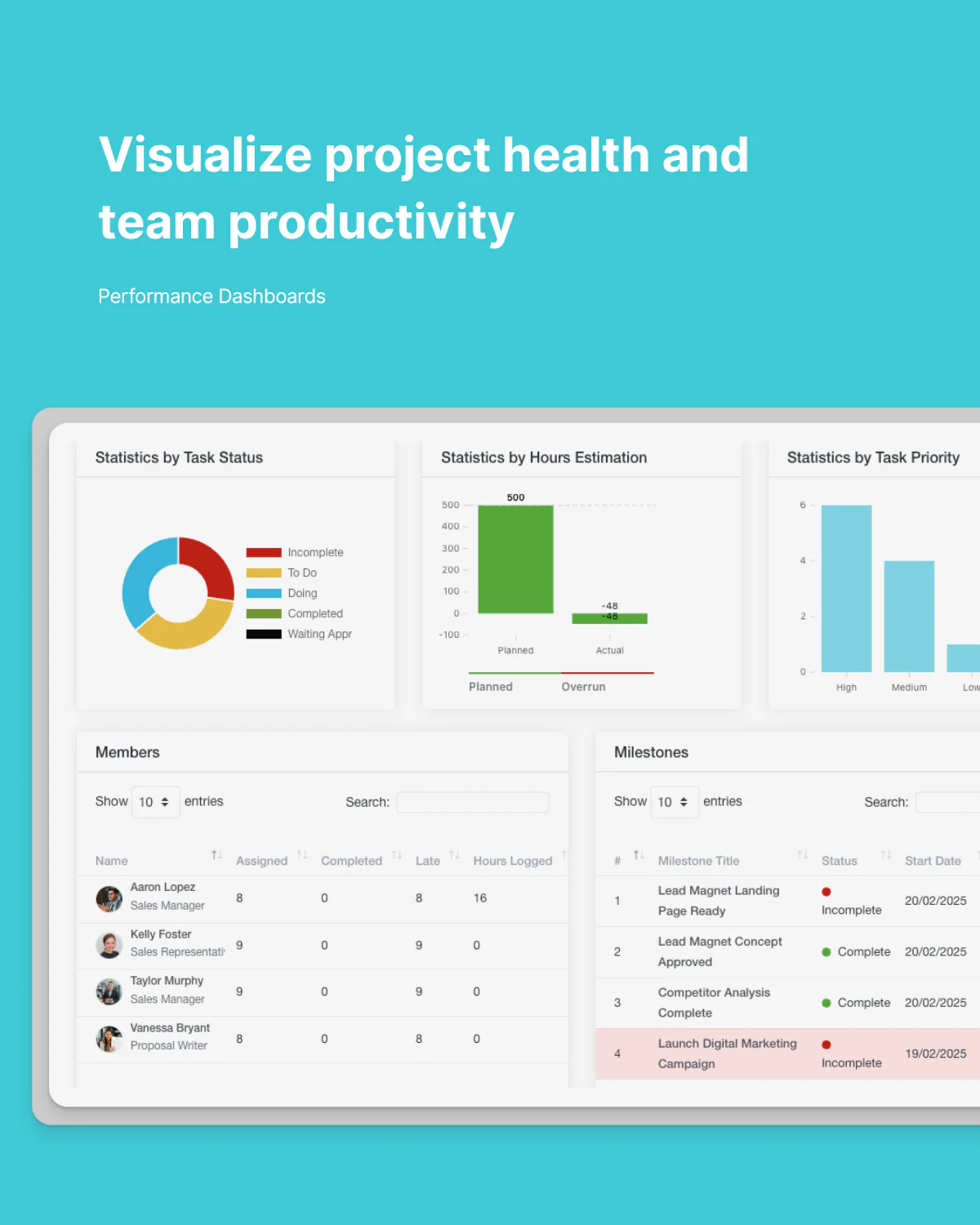
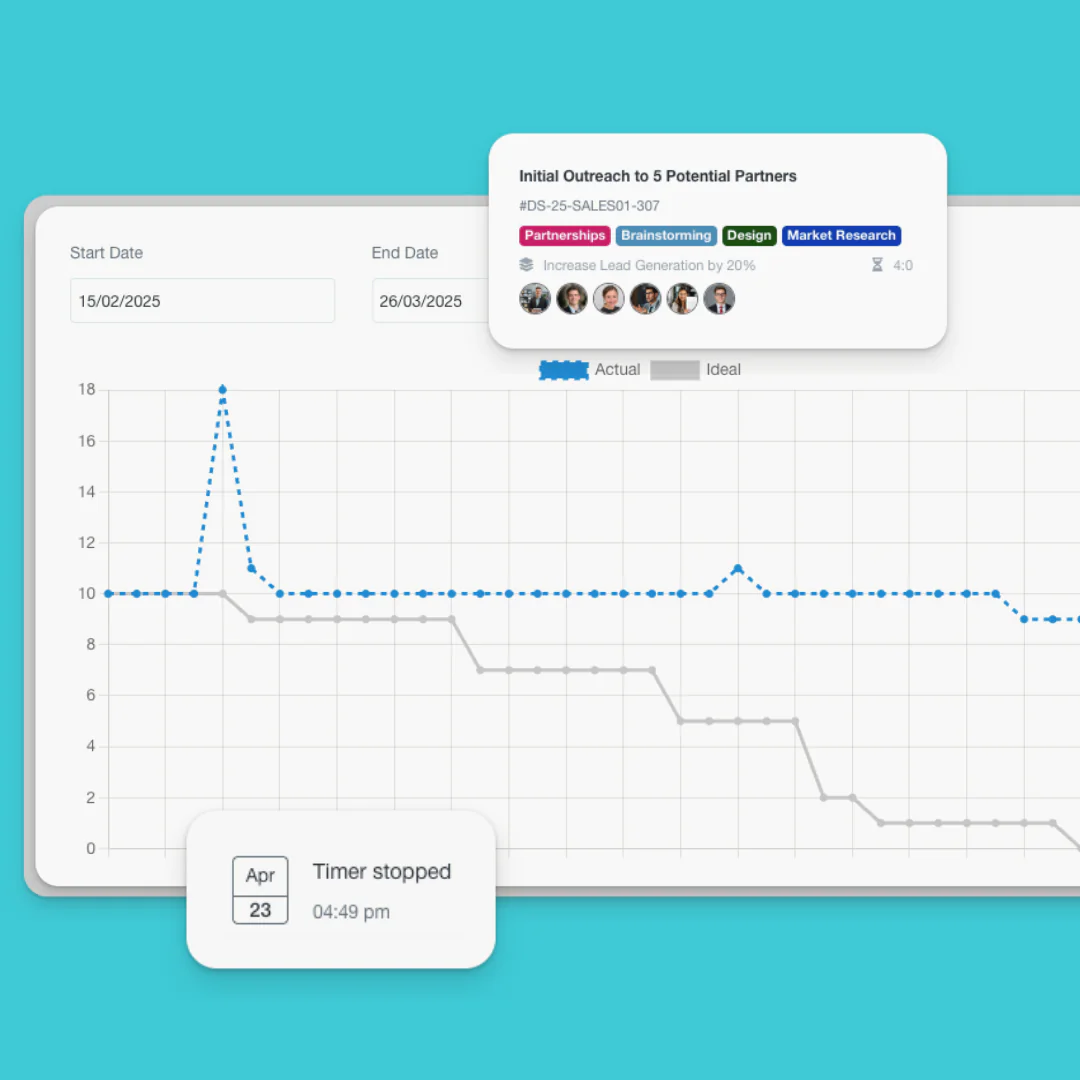
Data-Driven Project Management
Make informed decisions with comprehensive project insights

Set Your Projects Up for Success
Organize timelines, workloads, tasks, budgets, and deliverables from one connected workspace.

Task Breakdown
Divide projects into manageable tasks, subtasks, and checklists

Resource Utilization
Track team capacity and optimize workloads
Data-Driven Project Management
Make informed decisions with comprehensive project insights

Custom Reports
Generate insights on the metrics that matter most to your business

Resource Utilization
Track team capacity and optimize workloads
Custom Reports
Generate insights on the metrics that matter most to your business
Keep Teams and Clients Aligned
Collaborate inside project contexts with comments, files, updates, notifications, and centralized communication.

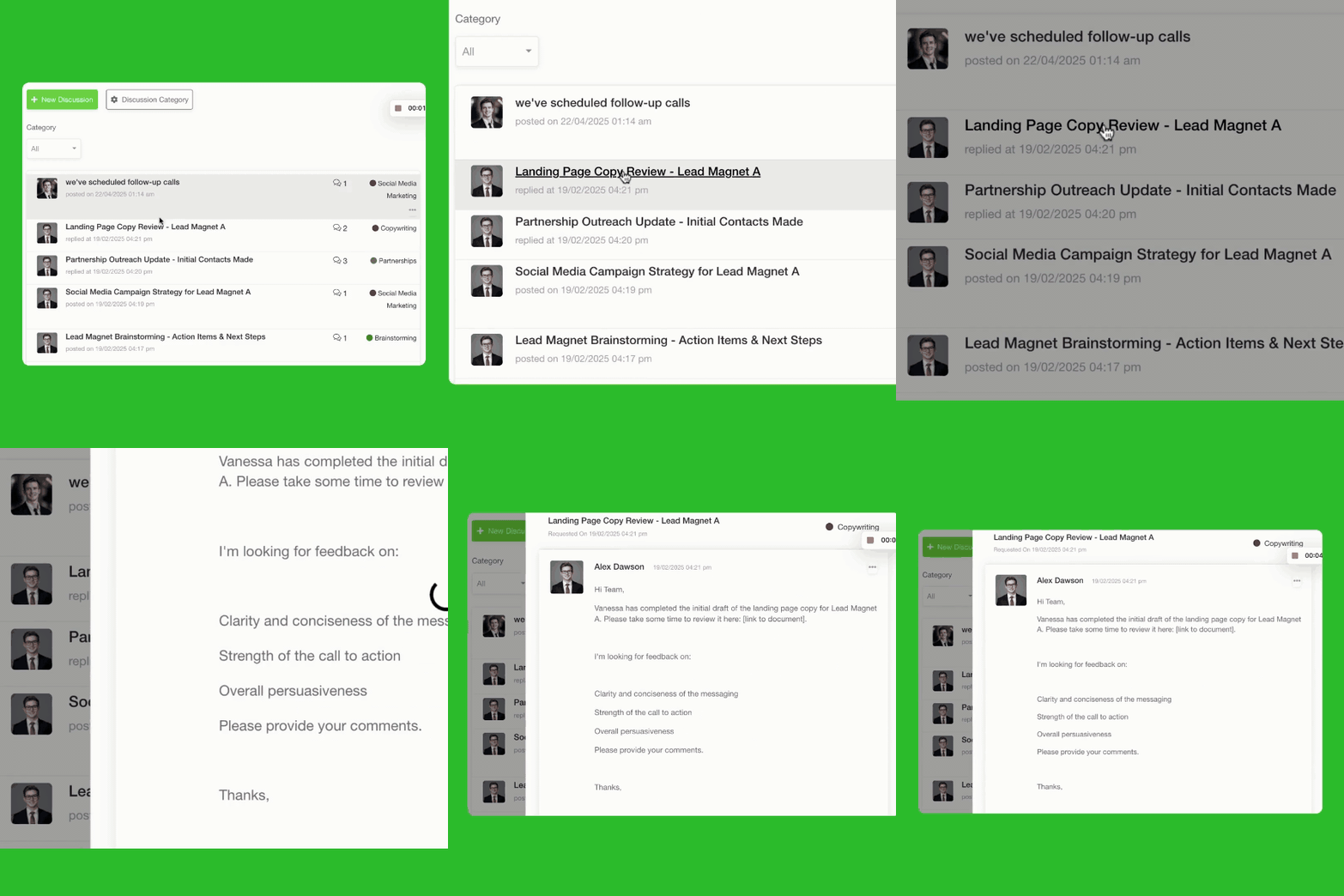
Keep discussions organized within project contexts
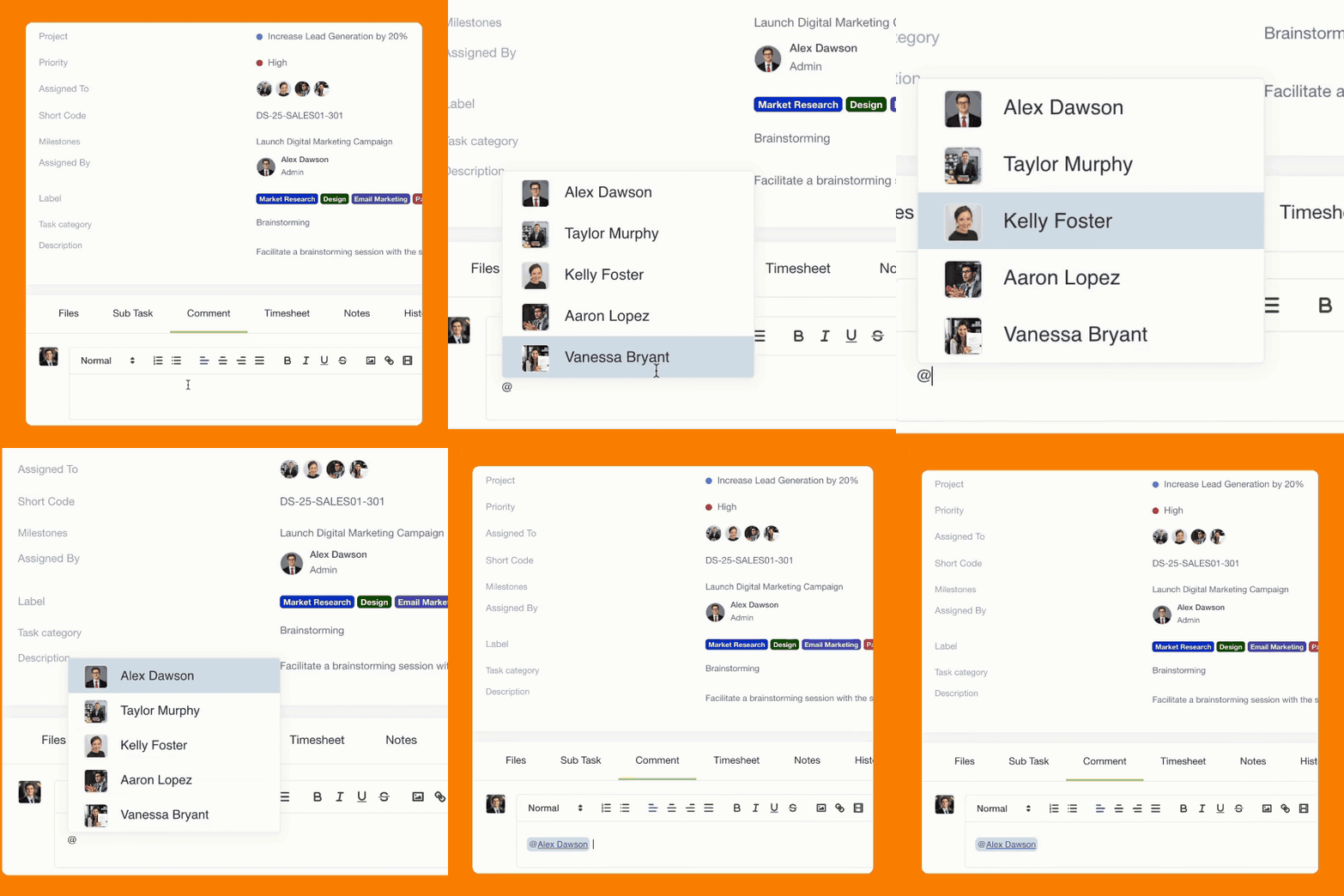
Comment & Feedback
File Sharing

Ensure team members stay informed about relevant updates
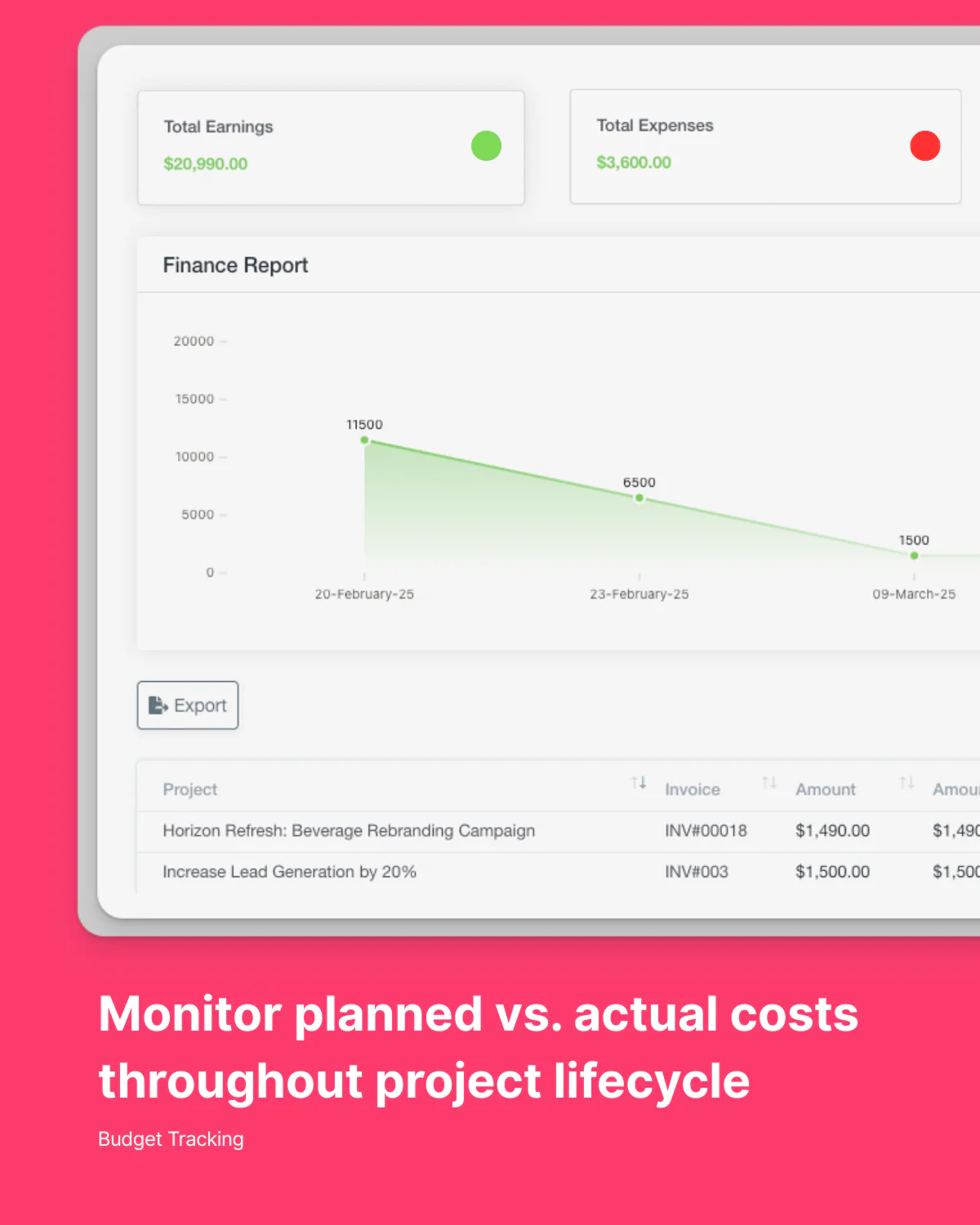
Track Progress, Workloads, and Delivery
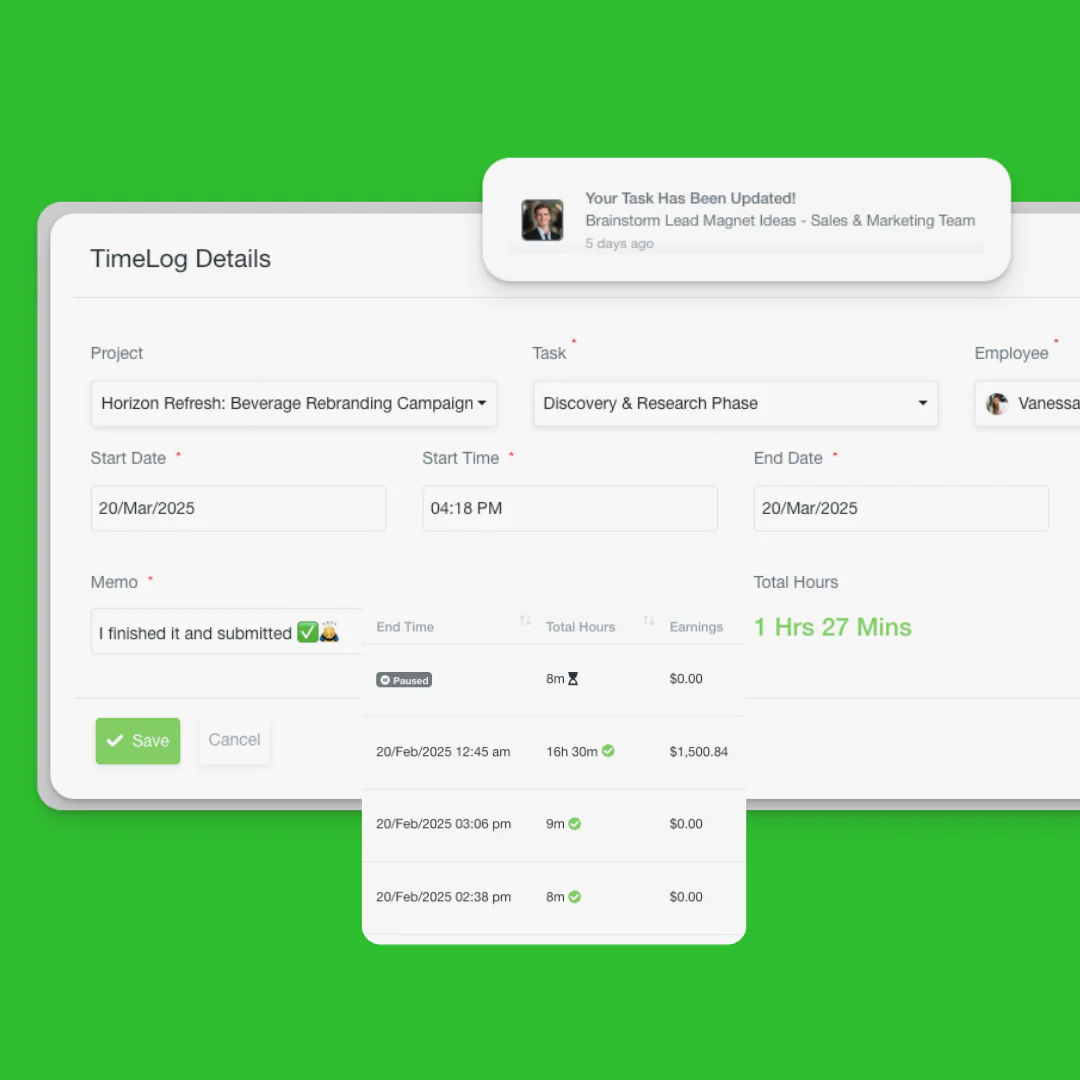
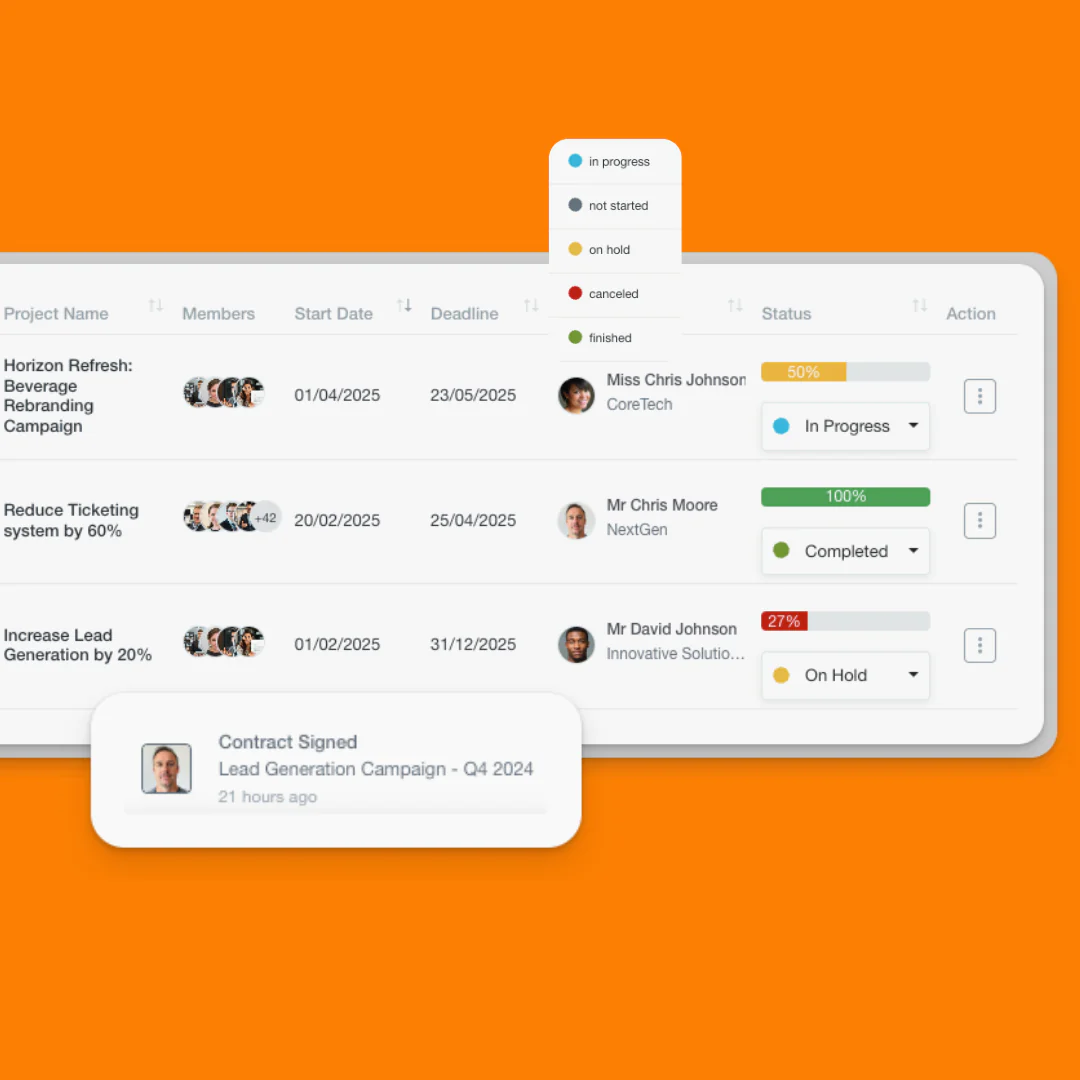
Monitor timelines, milestones, logged hours, and team performance in real time.
Standardize How Your Team Delivers Work
Use templates, repeatable workflows, and structured processes to keep projects organized and scalable.
Your questions, answered.
Yes, you can toggle between Kanban, Gantt, Calendar, and List views at any time without disrupting your data.
Olqan is designed to be flexible, supporting various project management approaches with customizable workflows, sprint planning tools, and detailed timeline visualization options.
Yes, you can set up client portals with controlled access to relevant project information, files, and communication. Clients can also interact through our integrated ticketing system, enabling streamlined communication for feedback, approvals, and support requests while maintaining all project context.
As detailed as you need it to be. Track time at the project, task, or subtask level, with notes and categorization options.
Absolutely. Our workload view shows resource allocation across all projects, helping prevent overallocation and bottlenecks.