





Resolve Issues Faster,
Satisfy Customers Better
Manage tickets, customer conversations, projects, invoices, and client history from one connected platform.


Trusted by hundreds of global companies
Give Your Team Complete Context
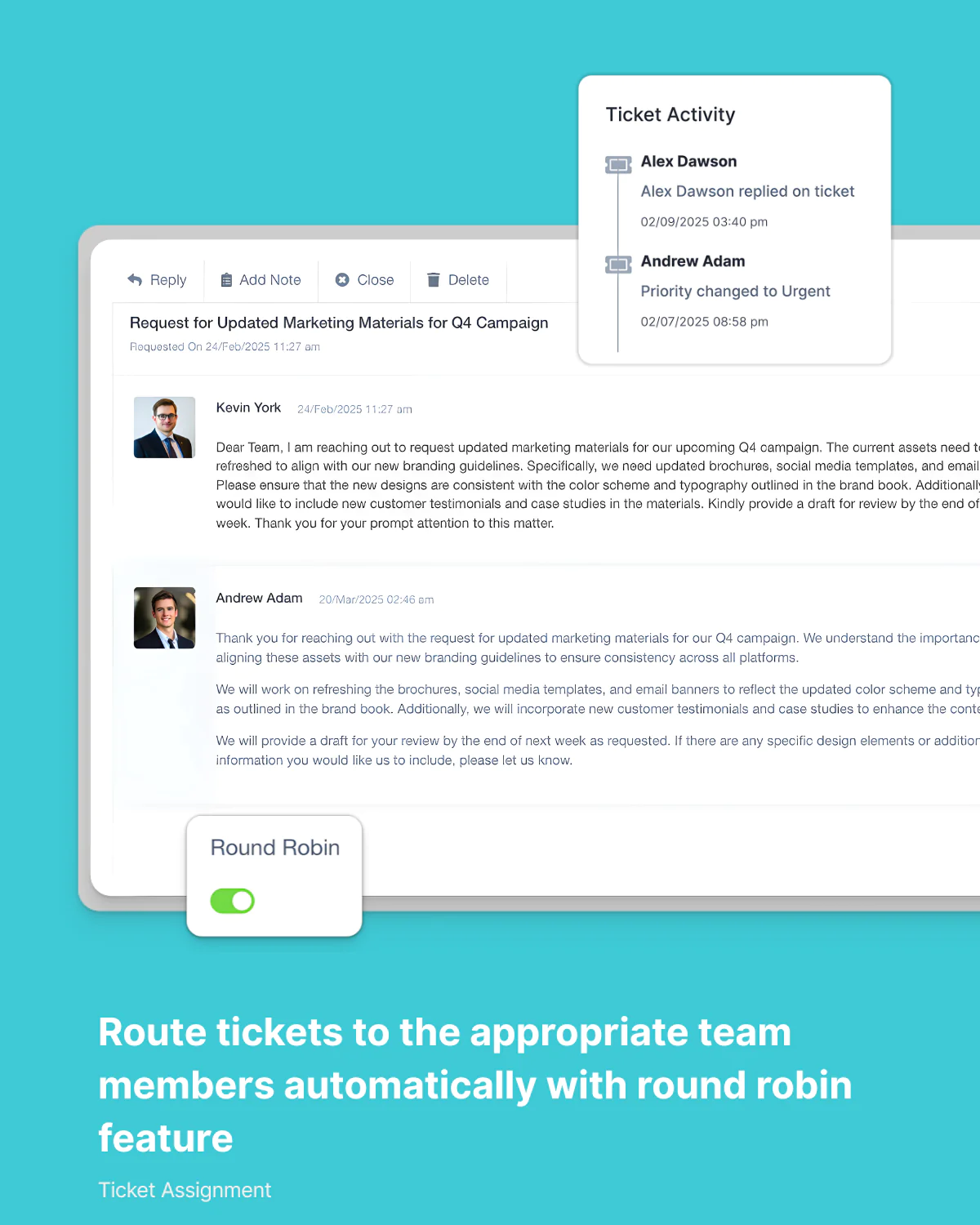
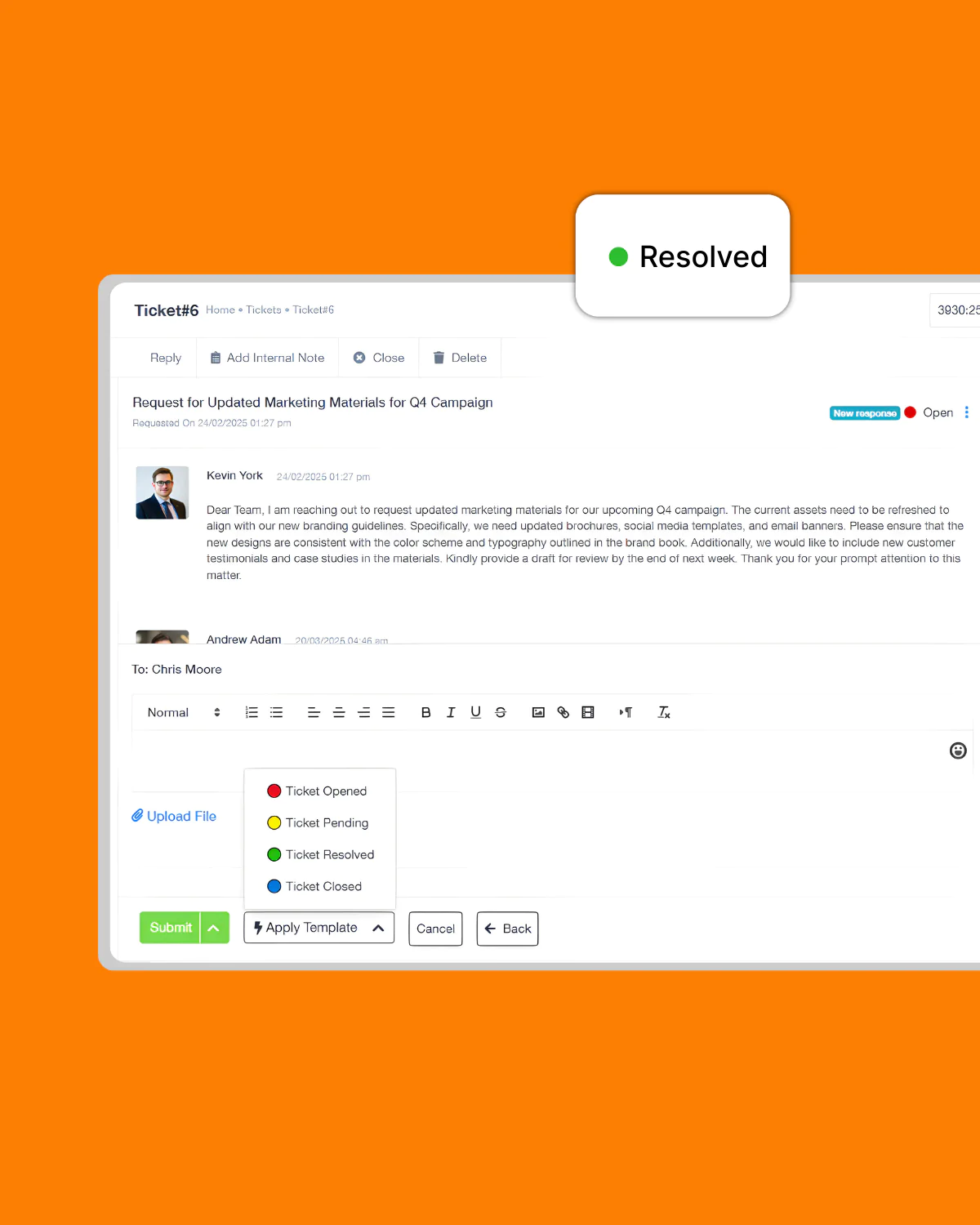
Collaborate internally with notes, ownership tracking, activity logs, and ticket history without leaving the conversation.

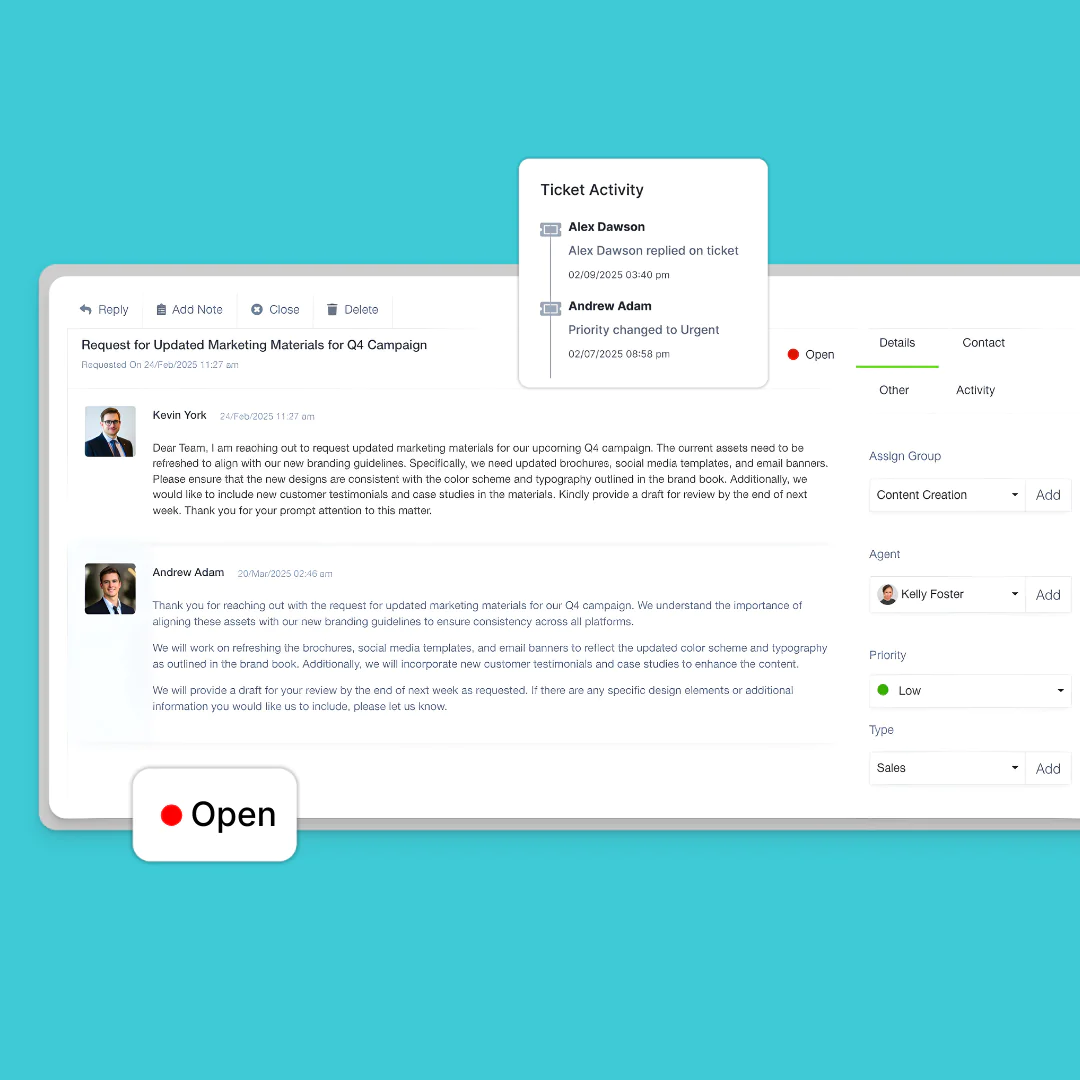
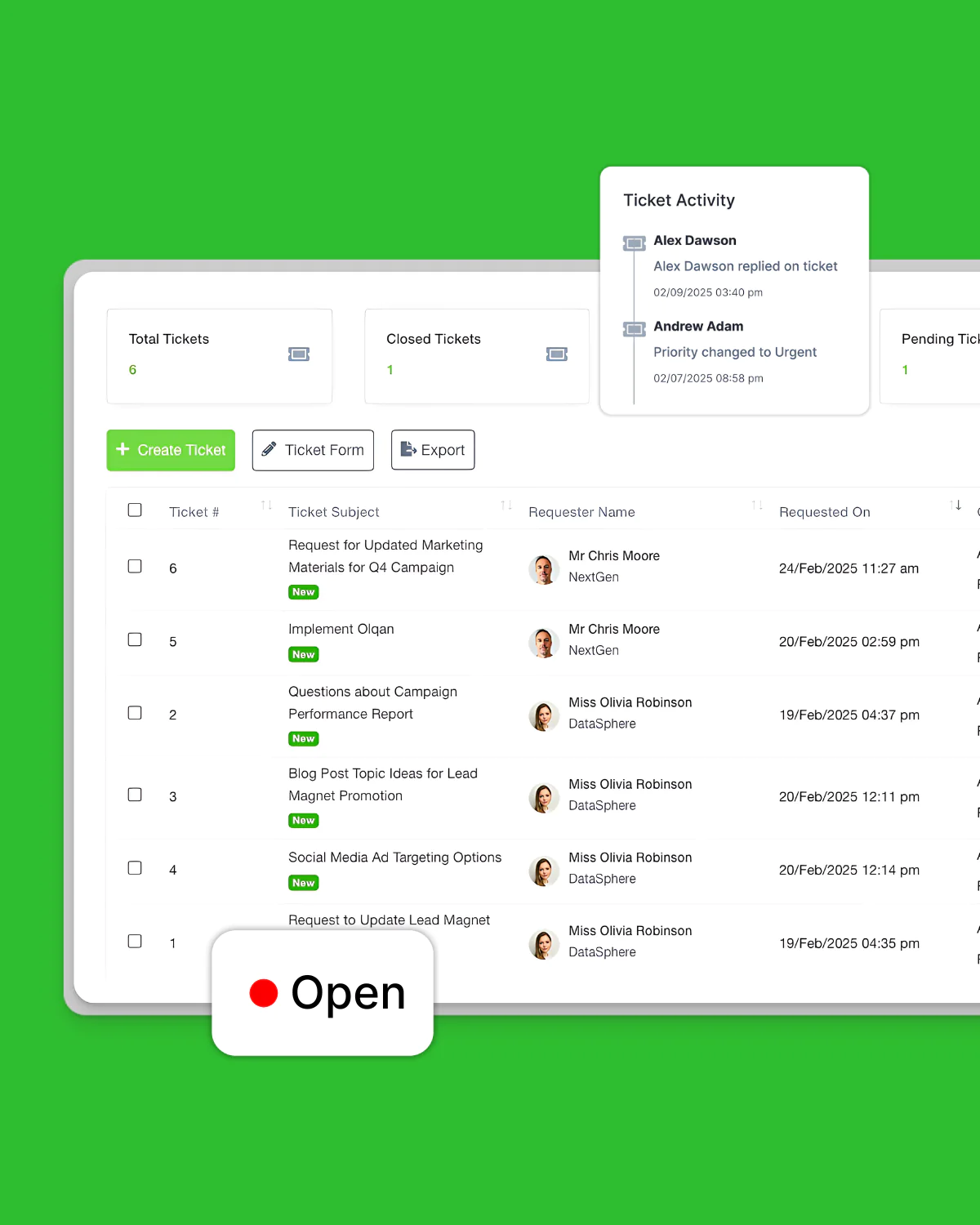
Activity Logging
Maintain a complete history of all ticket activities

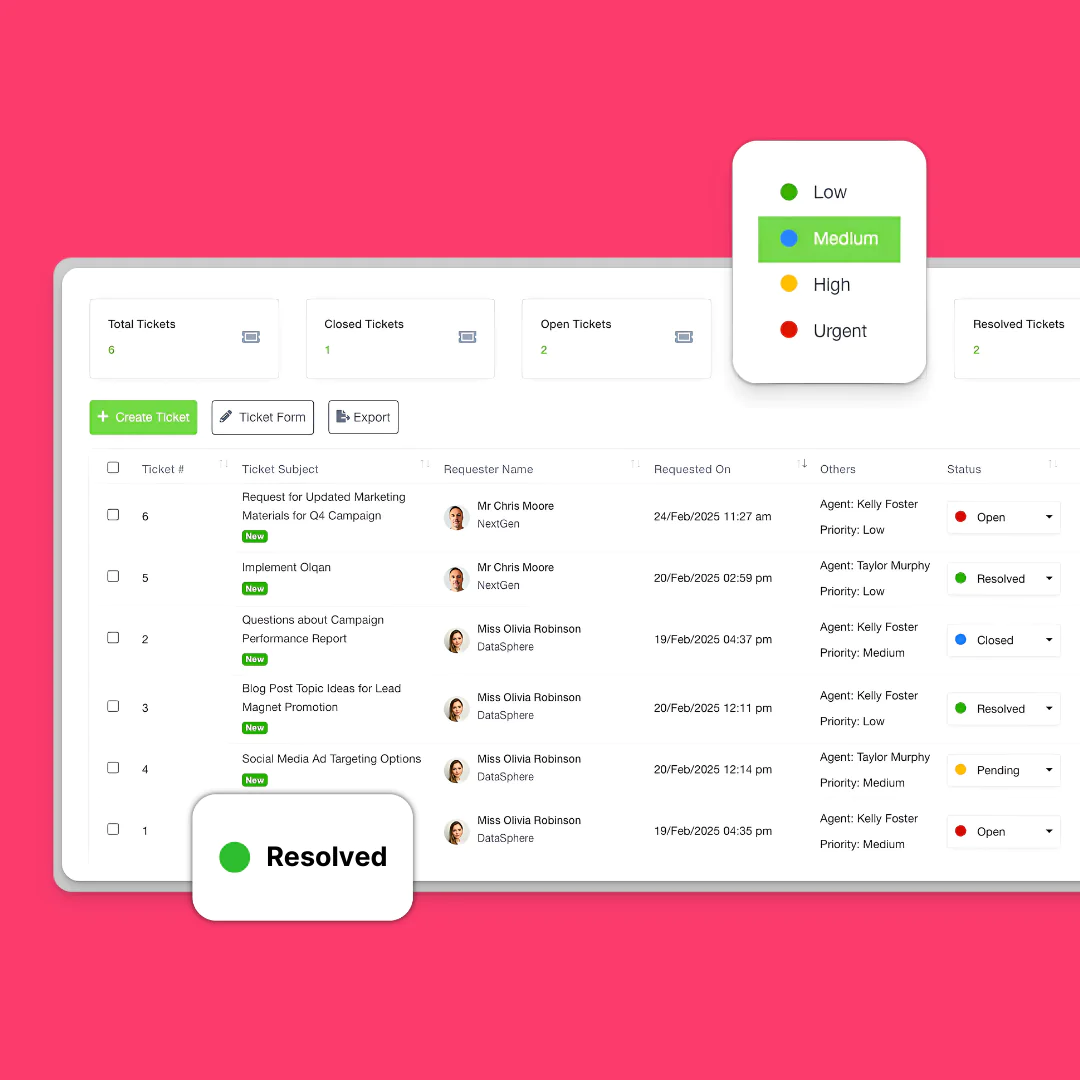
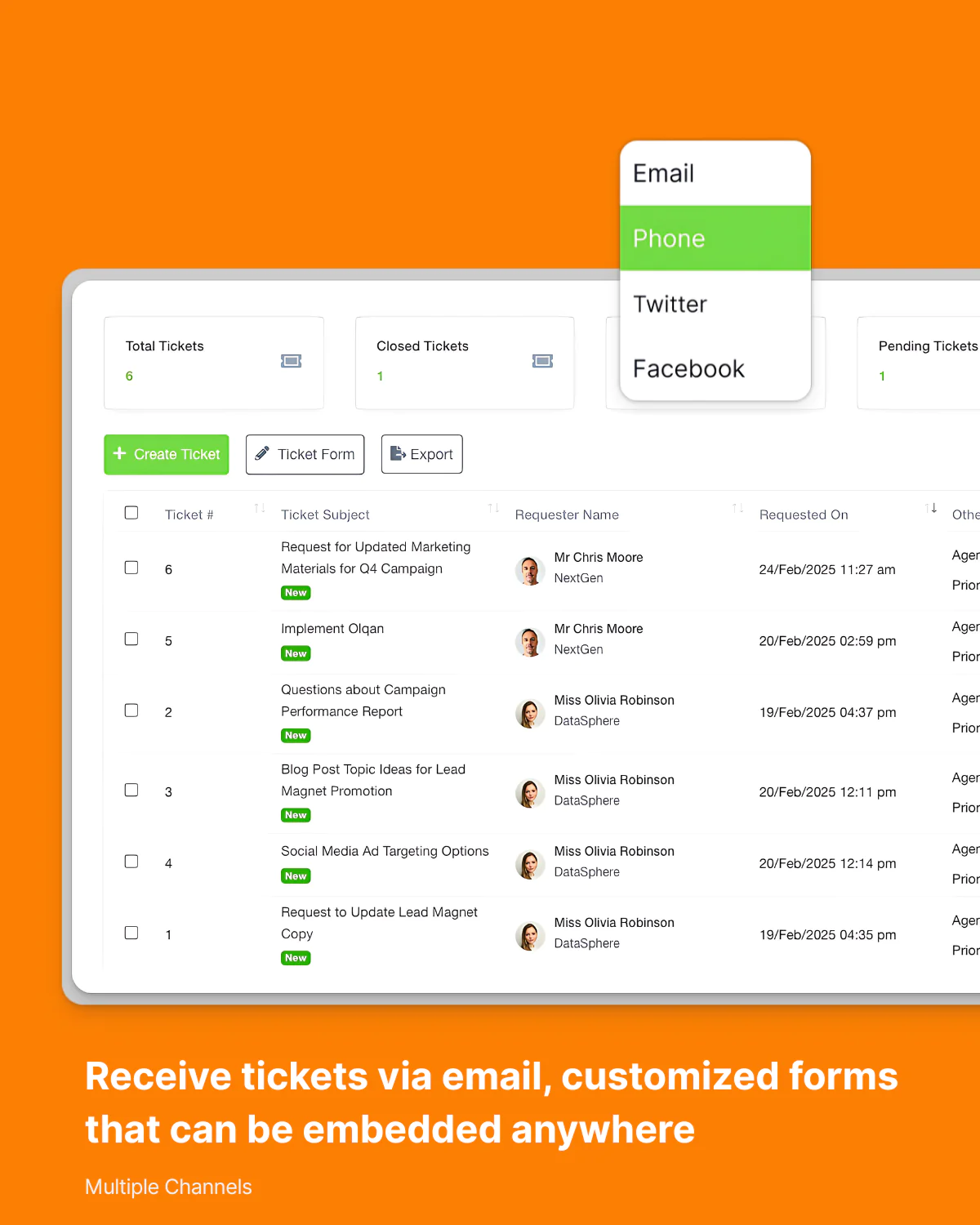
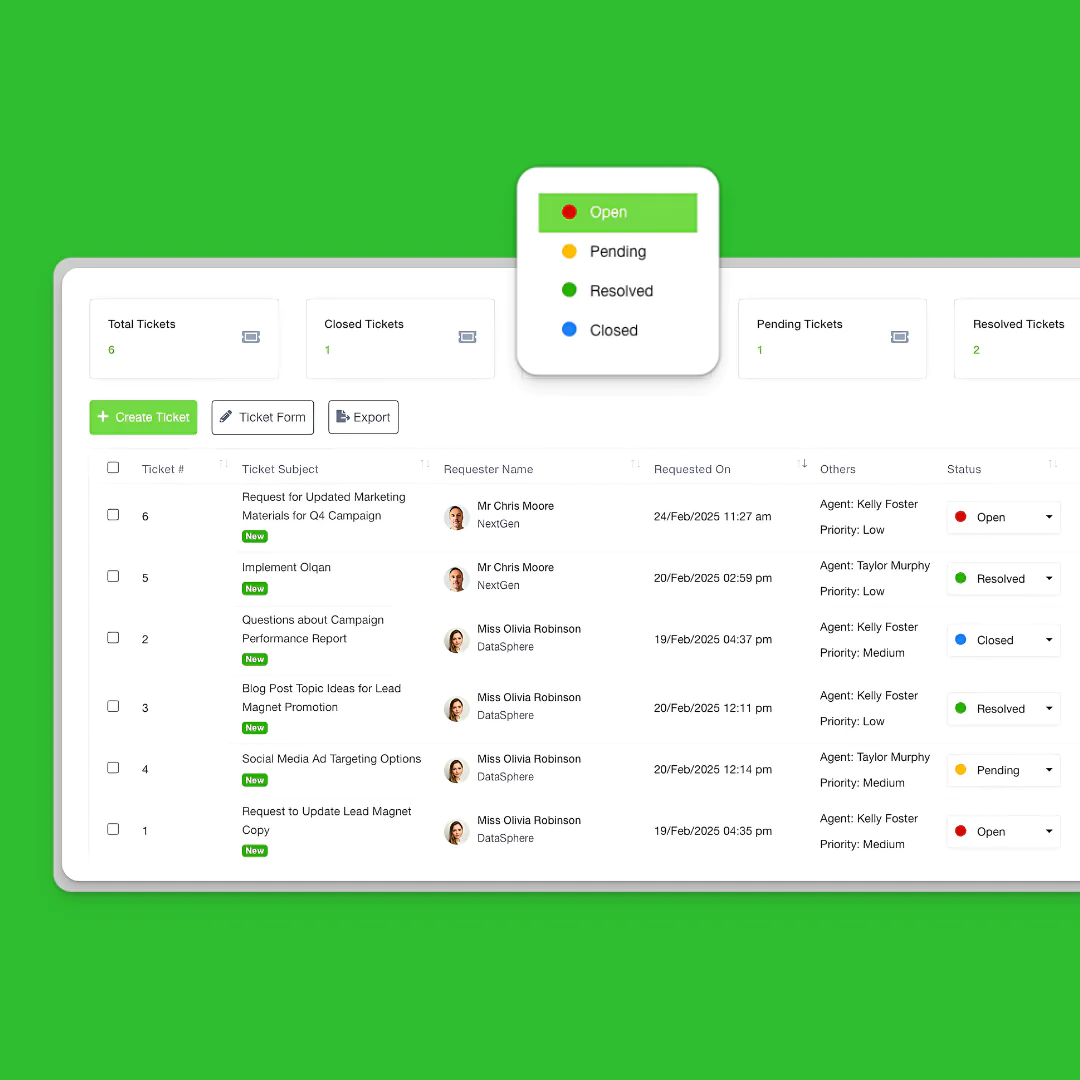
Keep Every Customer Request Organized
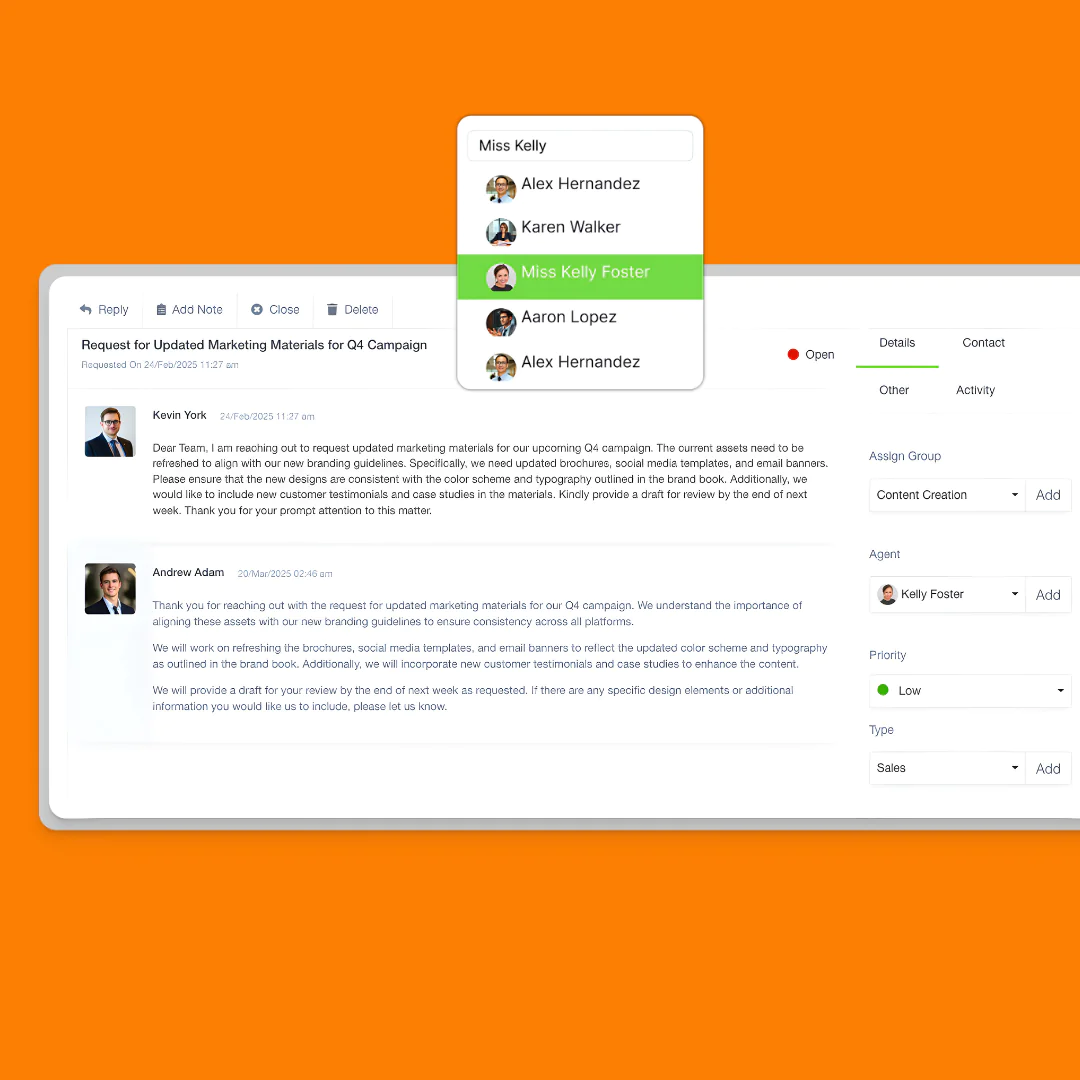
Track, assign, prioritize, and resolve tickets from one centralized workspace.

Give Your Team Complete Context
Collaborate internally with notes, ownership tracking, activity logs, and ticket history without leaving the conversation.

Internal Notes
Add private comments visible only to team members

Activity Logging
Maintain a complete history of all ticket activities

Ownership Tracking
Clearly display who is responsible for each ticket

Internal Notes
Add private comments visible only to team members

Ownership Tracking
Clearly display who is responsible for each ticket
Keep Every Customer Conversation In One Place
Track emails, attachments, updates, and responses in a single timeline.

View all customer interactions in a single thread
Email Notifications
File Attachments

Use pre-written responses for common questions
Build Workflows That Match Your Team
Customize statuses, routing, SLAs, and escalation rules to fit how your support team operates.
Let Customers Track Their Own Requests
Give customers a branded portal to submit tickets, monitor progress, access resources, and stay informed.
Lead Management
Deal Tracking
Sales Pipeline
Visual Analytics
Proposal Creation
Team Collaboration
Contact Management
Performance Dashboards
Task Automation
Task Management
Project Planning
Time Tracking
Progress Visualization
Kanban Boards
Gantt Charts
Project Templates
Resource Allocation
Employee Database
Leave Management
Shift Planning
Product Catalog
Inventory Management
Vendor Database
Order Processing
Purchase Requisitions
Vendor Management
Financial Dashboards
Budget Tracking
Tax Management
Credit Notes
Bank Accounts
Payment Processing
Financial Reporting
Expense Tracking
Invoice Management
Department Structure
Attendance Tracking
Document Management
Appreciation System
Team Hierarchy
Procurement Analytics
Ticket Management
Customer Portal
Response Templates
Workflow Customization
Support Analytics
Knowledge Integration
Status Updates
Satisfaction Surveys
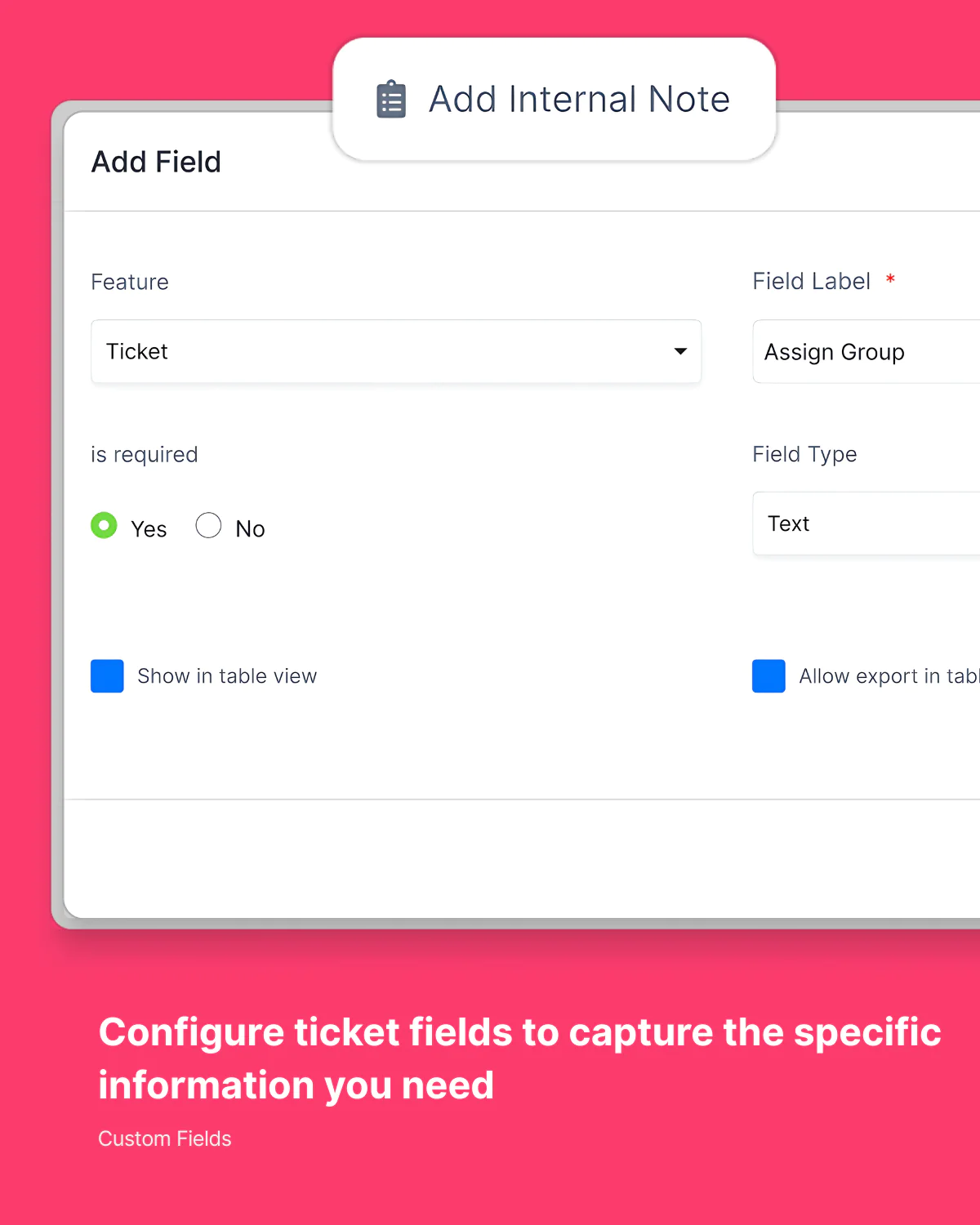
Custom Fields
Responsive Design
Client Center
Contract Management
E-Signature
Asset Tracking
Project Suite
Slack Integration
Webhook Integration
Round Robin Assignment
Role-Based Permissions
Mobile Accessibility
Branded Portal
Performance Metrics
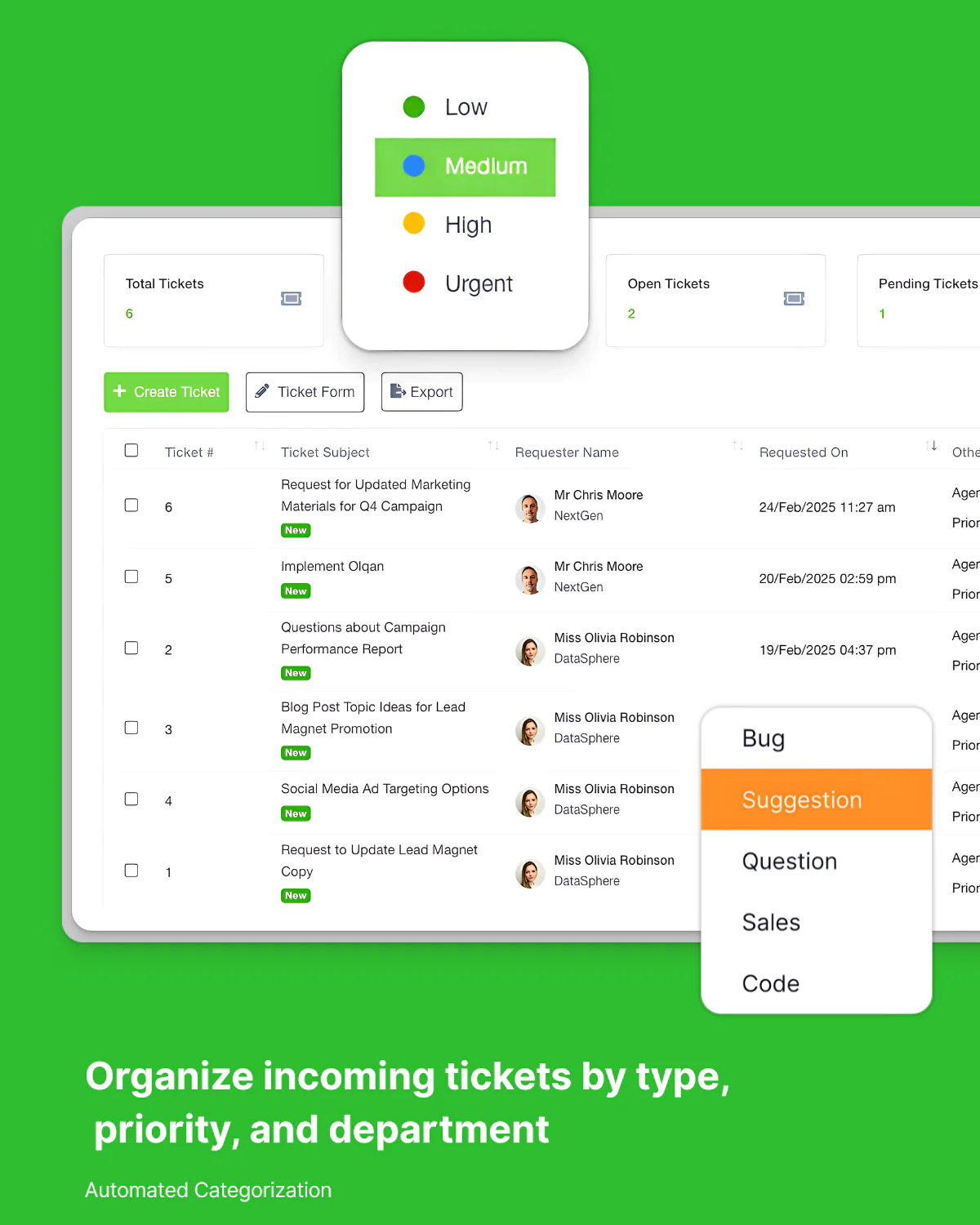
Issue Categorization
Volume Analysis
Customer Satisfaction
See How Your Support Team Performs
Monitor response times, resolution rates, customer satisfaction, and support volume in real time.
Your questions, answered.
Yes, you can create custom ticket statuses, fields, and routing rules to match your specific support process and ensure every issue follows your preferred workflow.
Tickets can be assigned manually or automatically based on criteria like department, issue type, customer, or workload balancing to ensure efficient distribution.
Yes, customers receive a branded portal where they can view their tickets, track progress, add comments, and provide additional information when needed.
You can set custom priority levels and create automated rules to assign priorities based on SLA requirements.
Absolutely. Tickets seamlessly connect with customer records, projects, invoices, and other Olqan modules for complete context and coordinated resolution.