





Resolve Issues Faster,
Satisfy Customers Better
Manage tickets, customer conversations, projects, invoices, and client history from one connected platform.


Built using modern business infrastructure
Give Your Team Complete Context
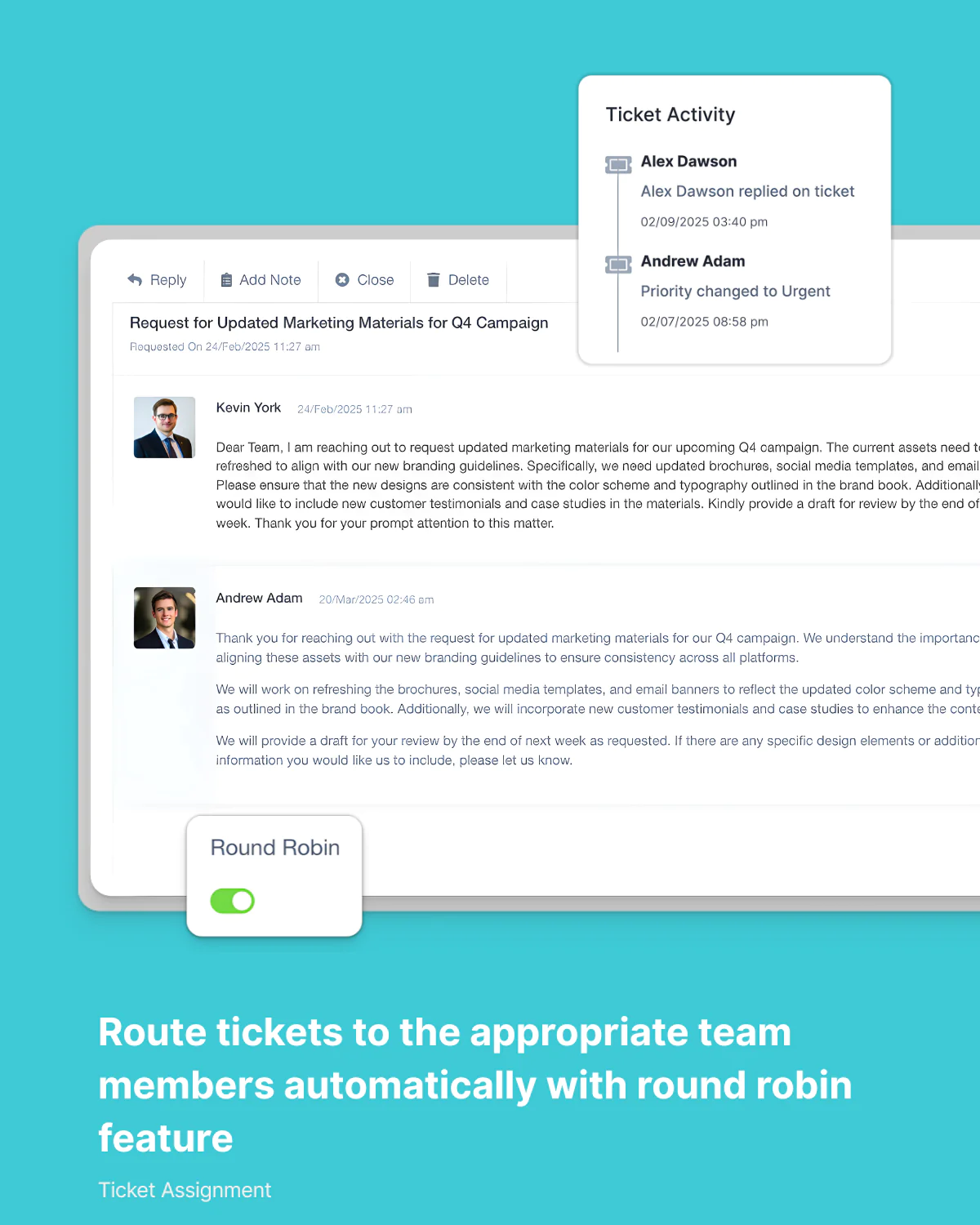
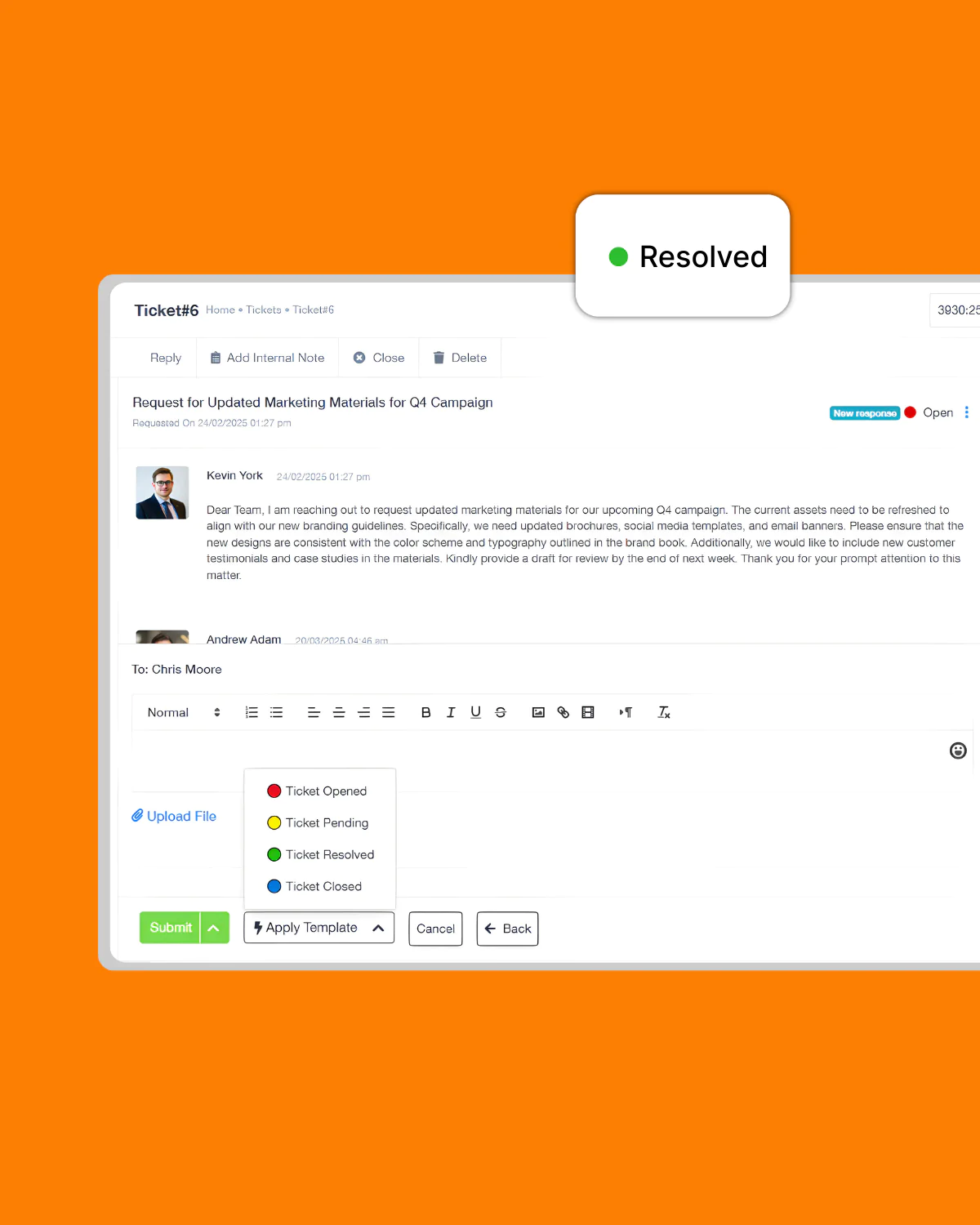
Collaborate internally with notes, ownership tracking, activity logs, and ticket history without leaving the conversation.

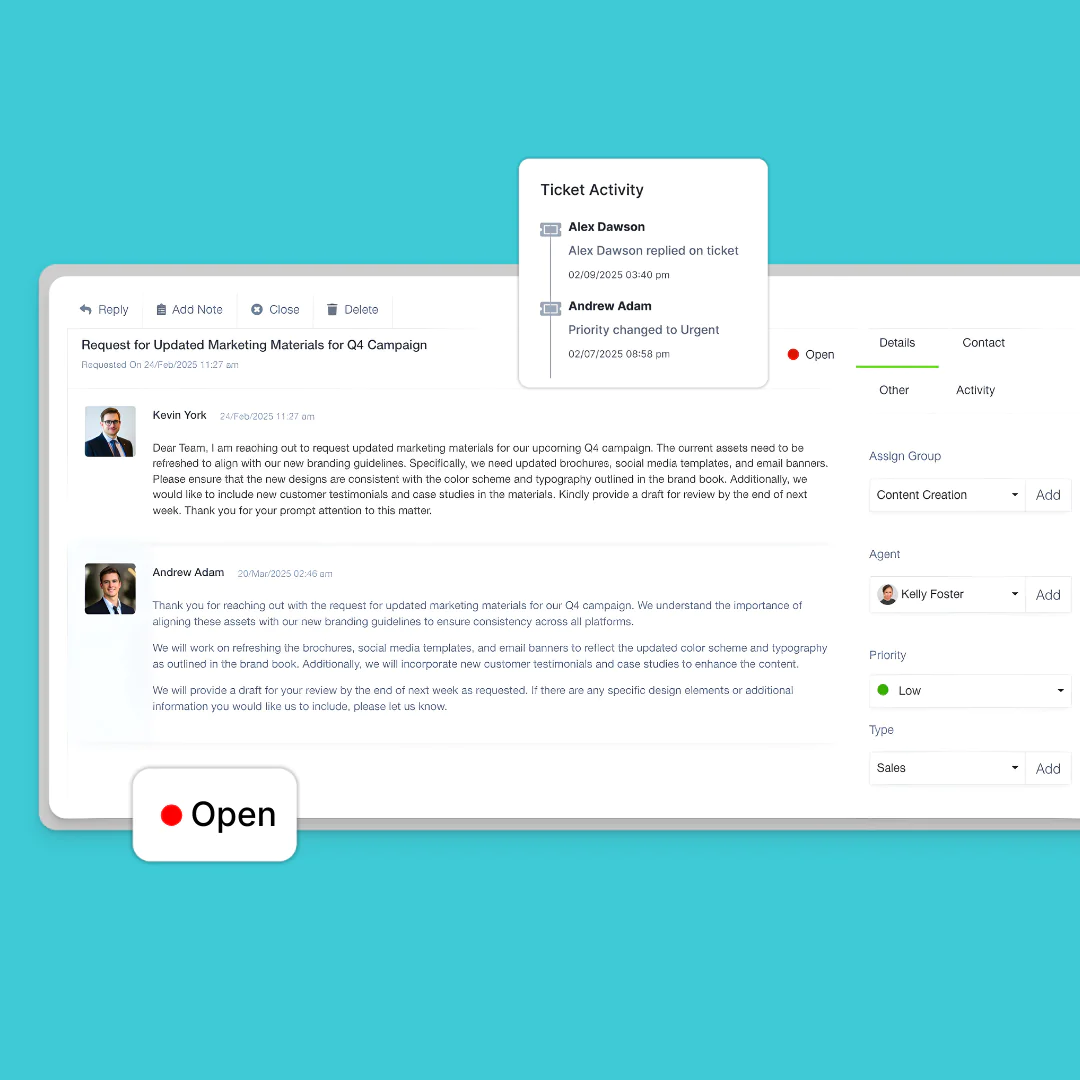
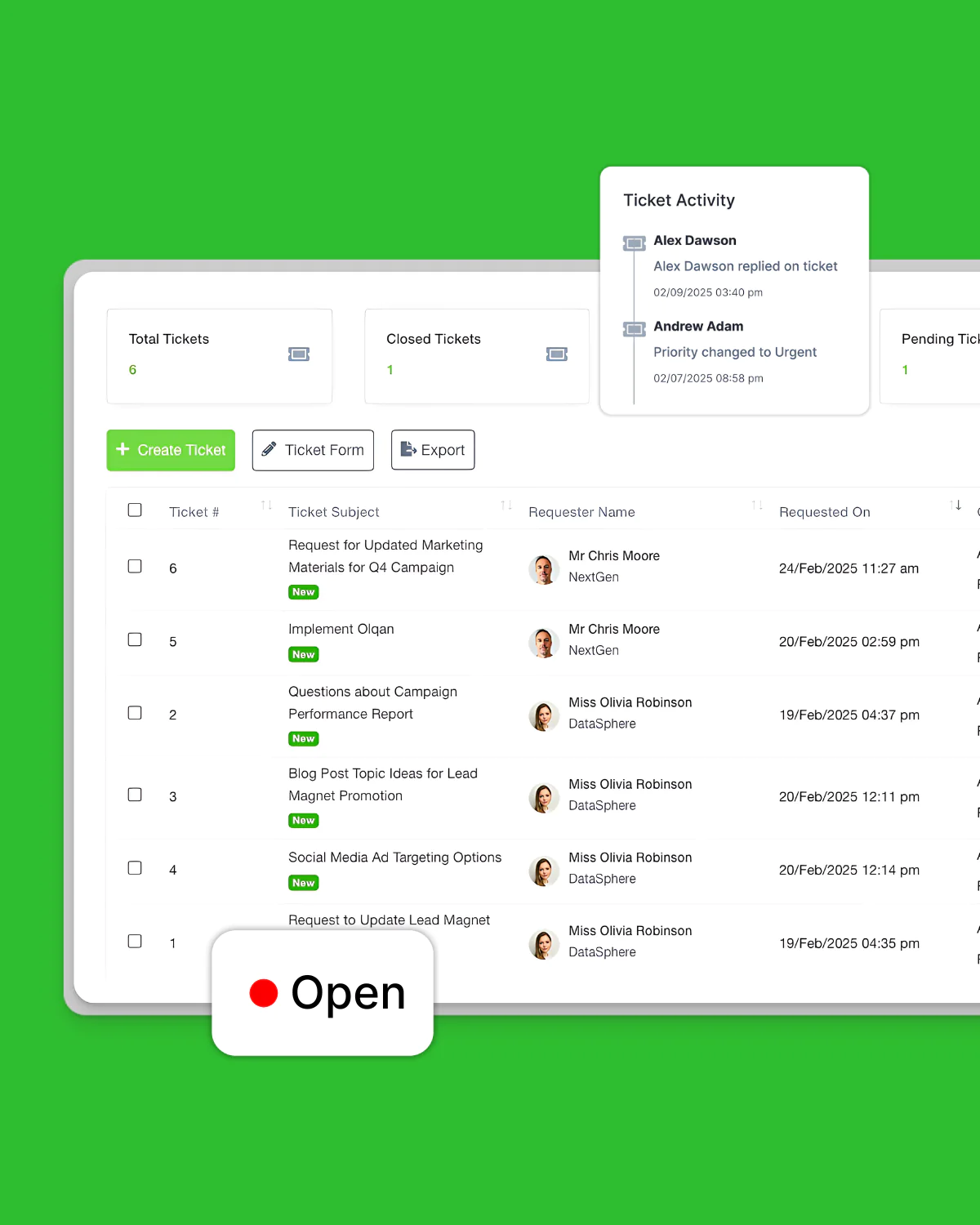
Activity Logging
Maintain a complete history of all ticket activities

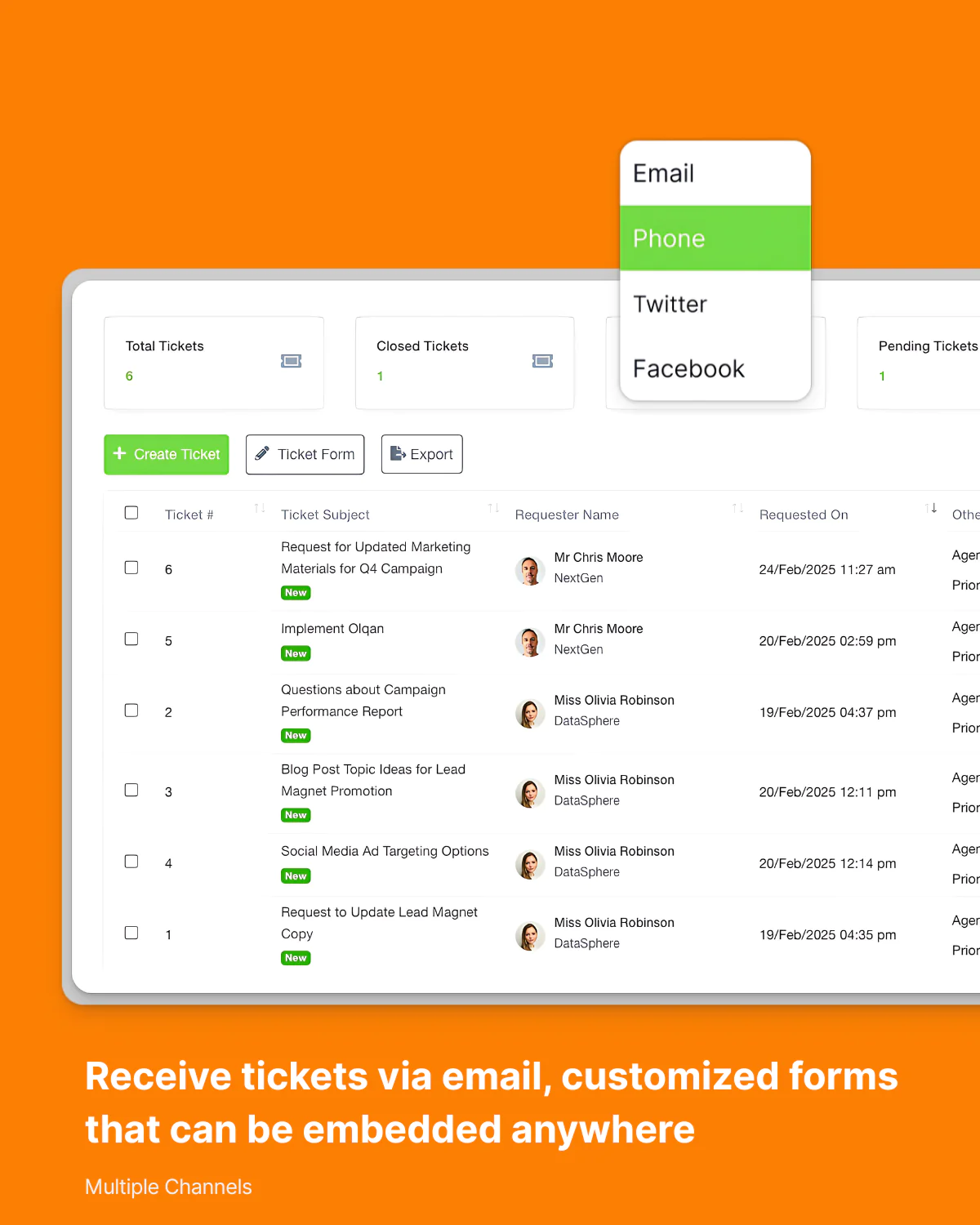
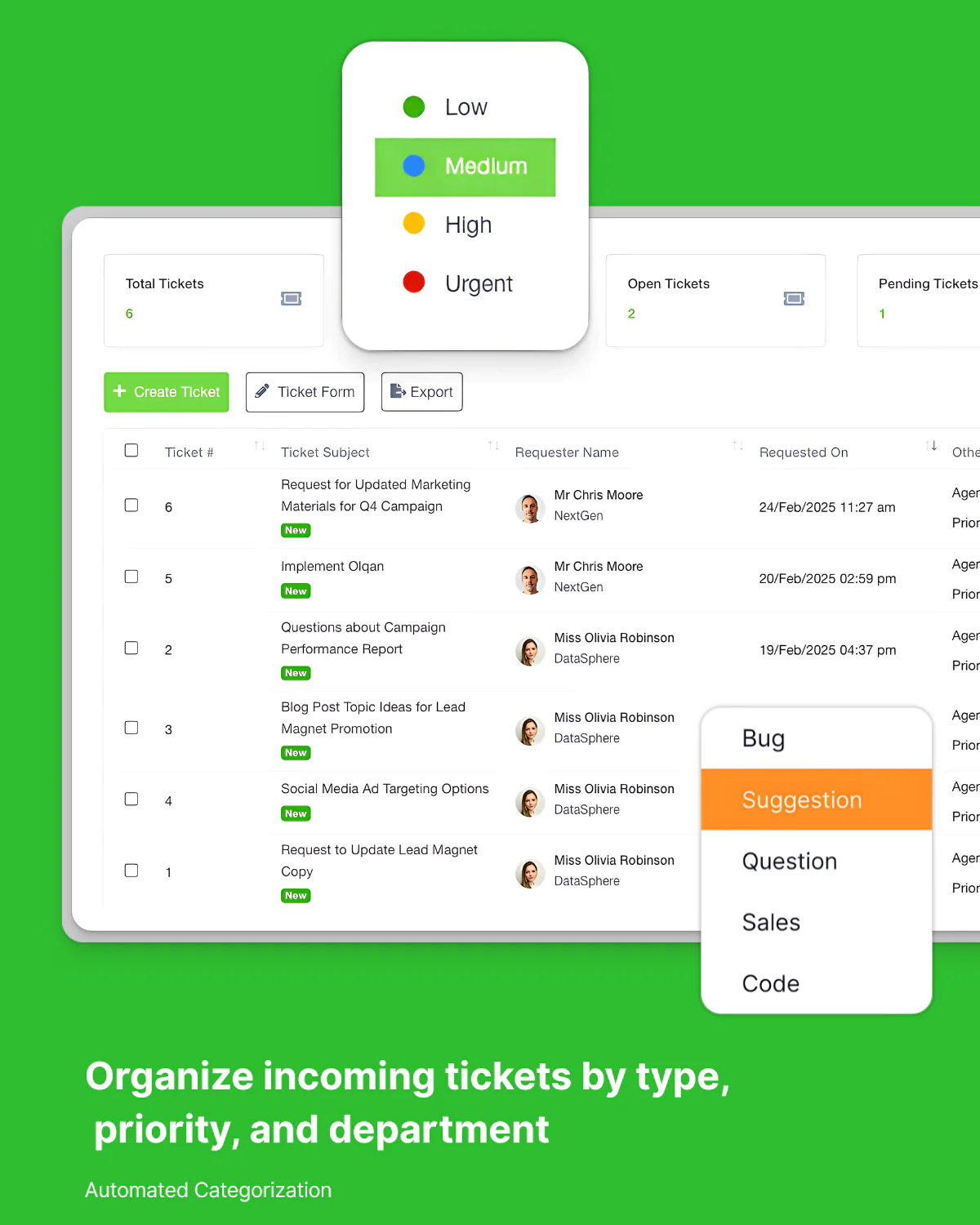
Keep Every Customer Request Organized
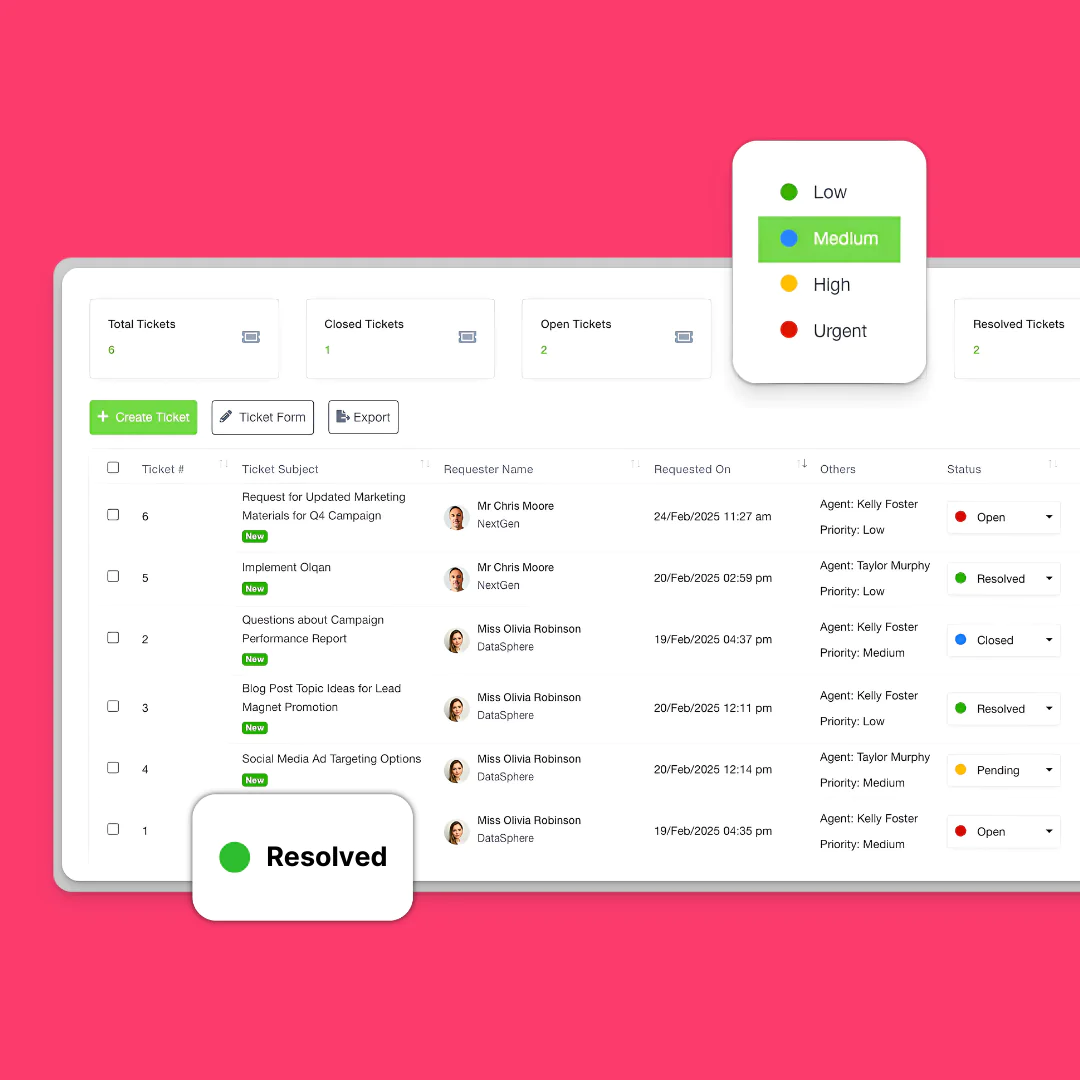
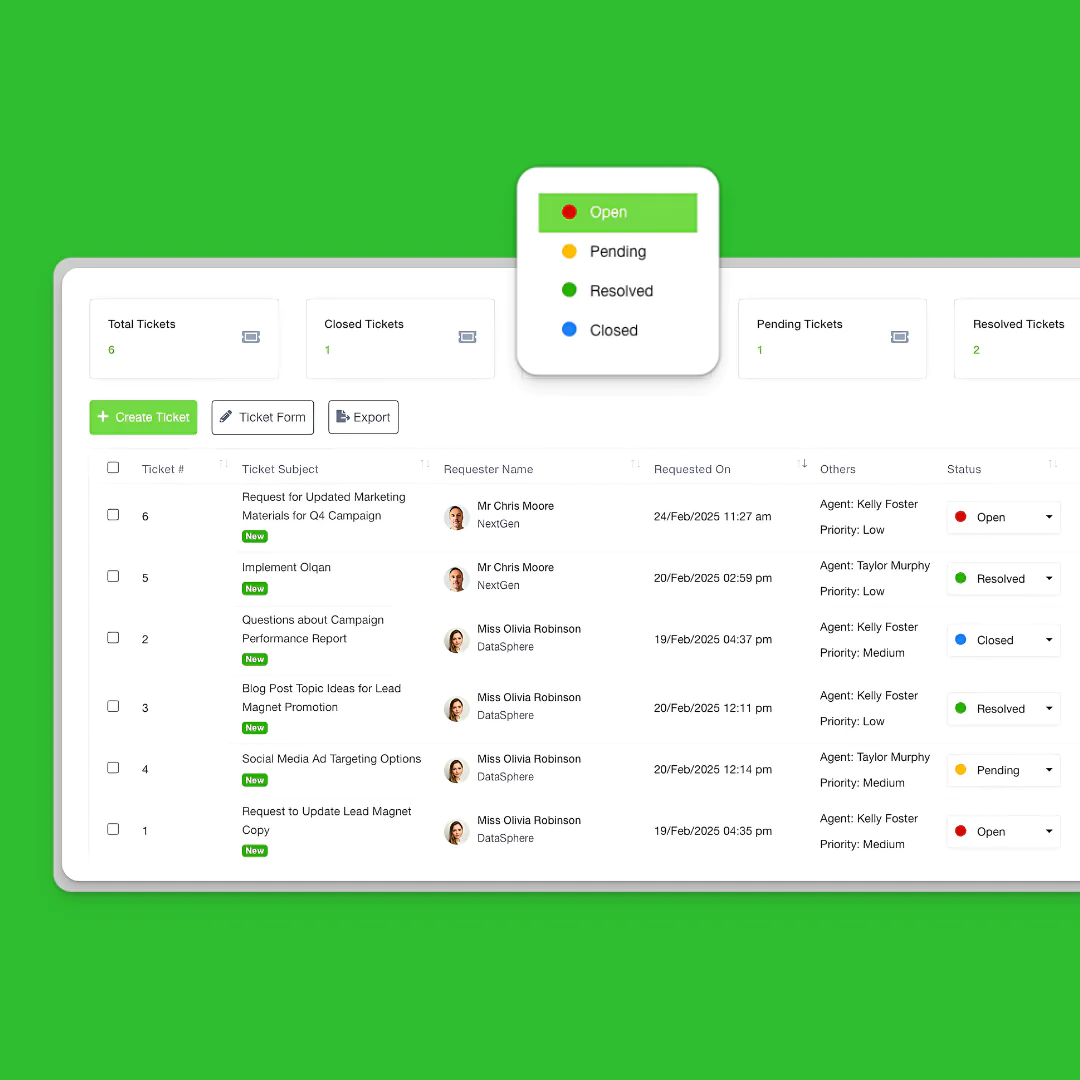
Track, assign, prioritize, and resolve tickets from one centralized workspace.

Give Your Team Complete Context
Collaborate internally with notes, ownership tracking, activity logs, and ticket history without leaving the conversation.

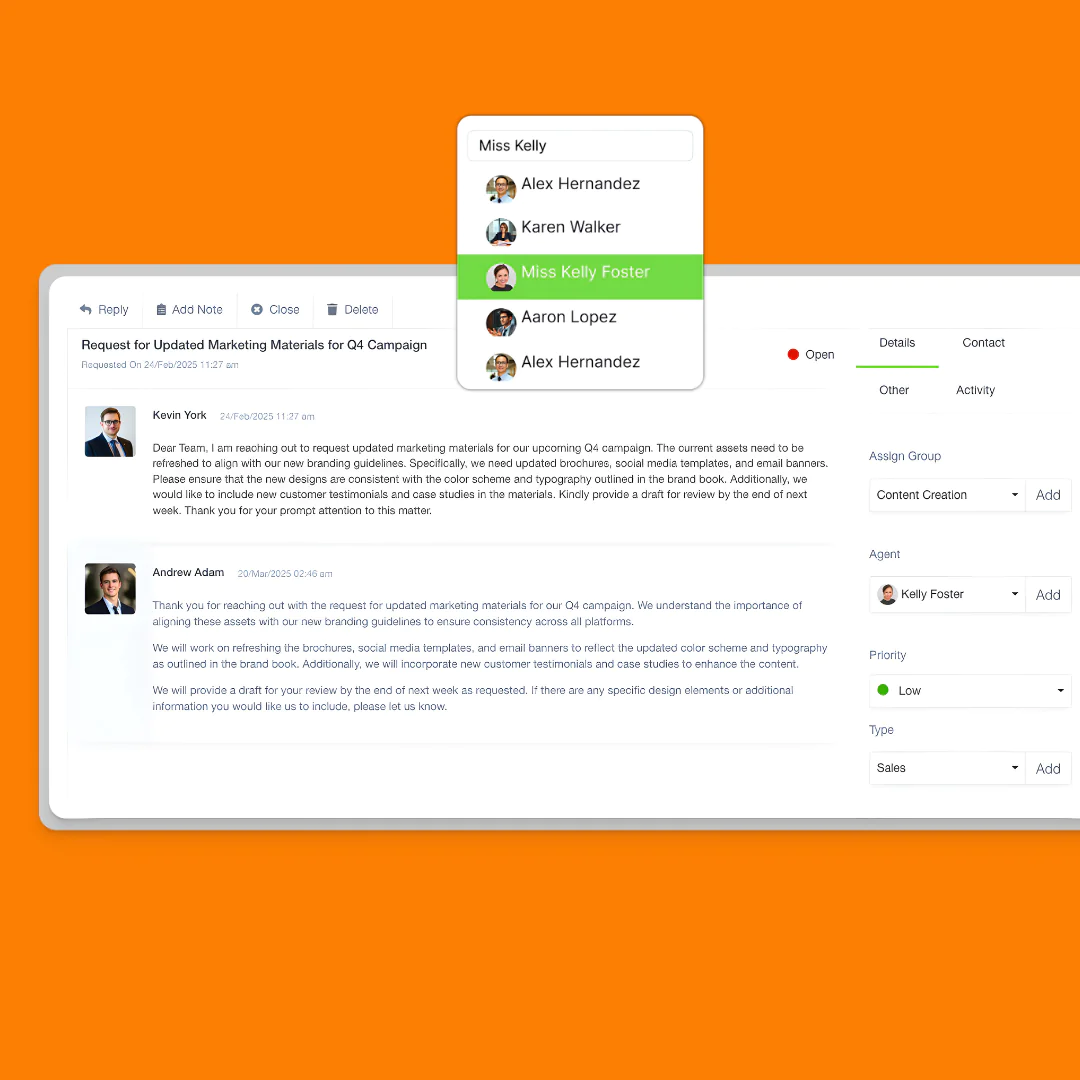
Internal Notes
Add private comments visible only to team members

Activity Logging
Maintain a complete history of all ticket activities

Ownership Tracking
Clearly display who is responsible for each ticket

Internal Notes
Add private comments visible only to team members

Ownership Tracking
Clearly display who is responsible for each ticket
Keep Every Customer Conversation In One Place
Track emails, attachments, updates, and responses in a single timeline.

View all customer interactions in a single thread
Email Notifications
File Attachments

Use pre-written responses for common questions
Build Workflows That Match Your Team
Customize statuses, routing, SLAs, and escalation rules to fit how your support team operates.
Let Customers Track Their Own Requests
Give customers a branded portal to submit tickets, monitor progress, access resources, and stay informed.
Performance Metrics
Issue Categorization
Volume Analysis
Customer Satisfaction
See How Your Support Team Performs
Monitor response times, resolution rates, customer satisfaction, and support volume in real time.
Your questions, answered.
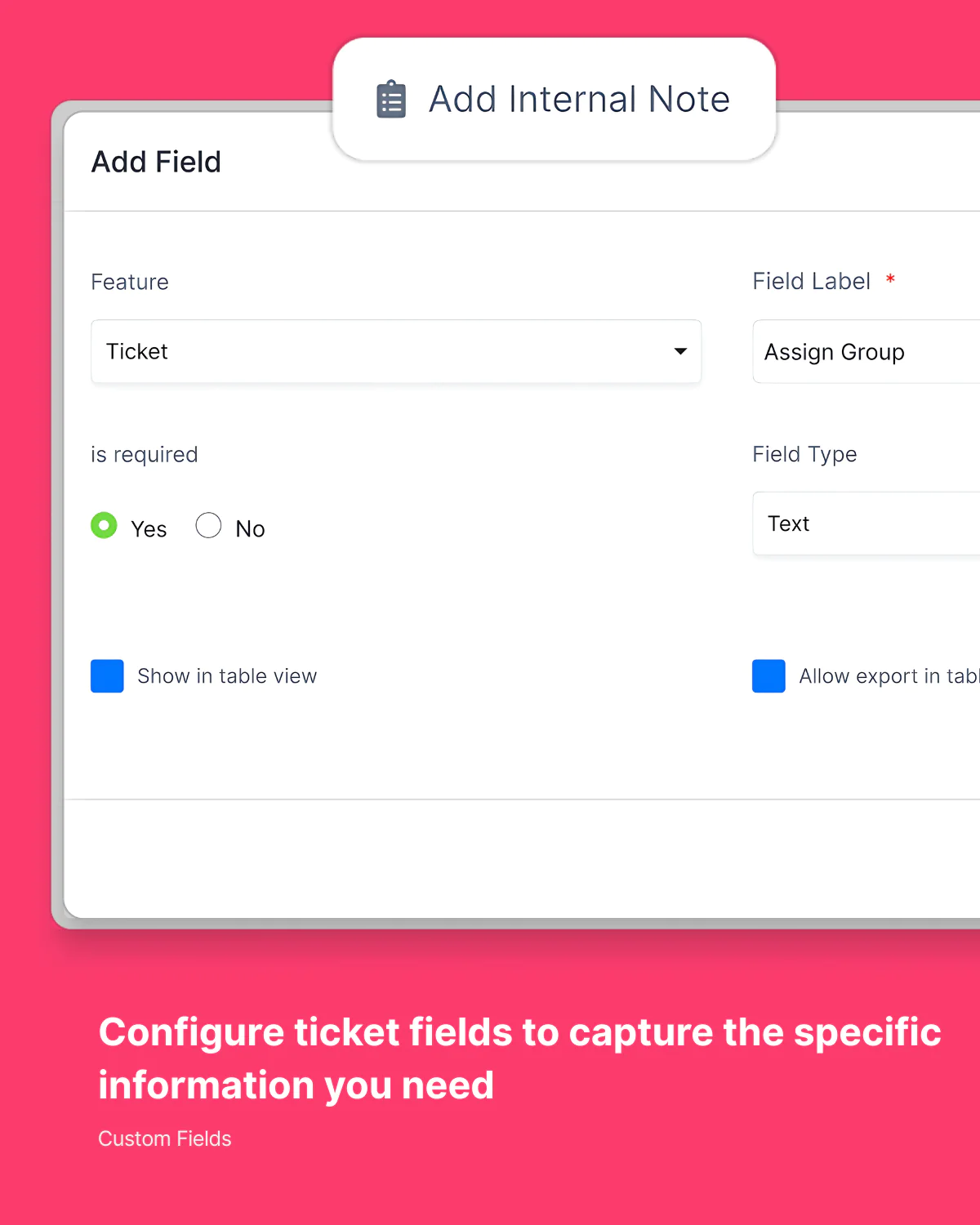
Yes, you can create custom ticket statuses, fields, and routing rules to match your specific support process and ensure every issue follows your preferred workflow.
Tickets can be assigned manually or automatically based on criteria like department, issue type, customer, or workload balancing to ensure efficient distribution.
Yes, customers receive a branded portal where they can view their tickets, track progress, add comments, and provide additional information when needed.
You can set custom priority levels and create automated rules to assign priorities based on SLA requirements.
Absolutely. Tickets seamlessly connect with customer records, projects, invoices, and other Olqan modules for complete context and coordinated resolution.