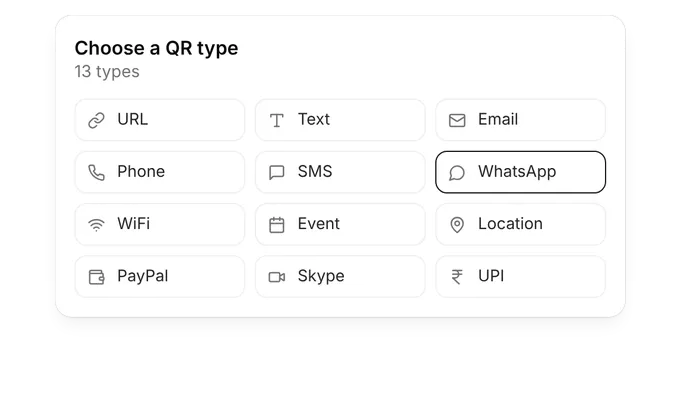
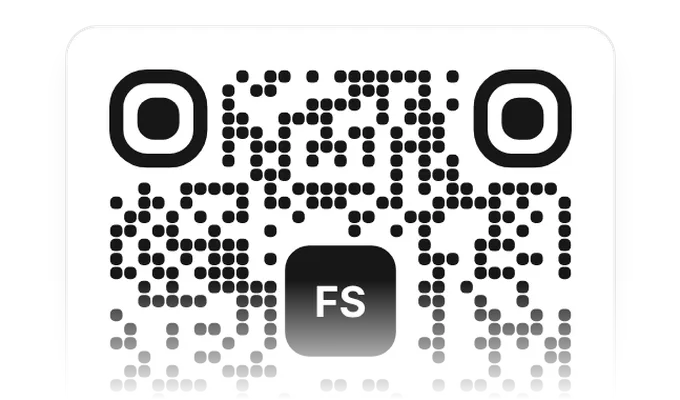
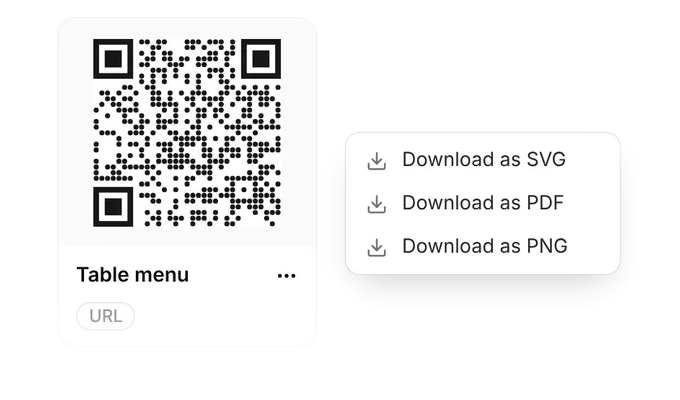
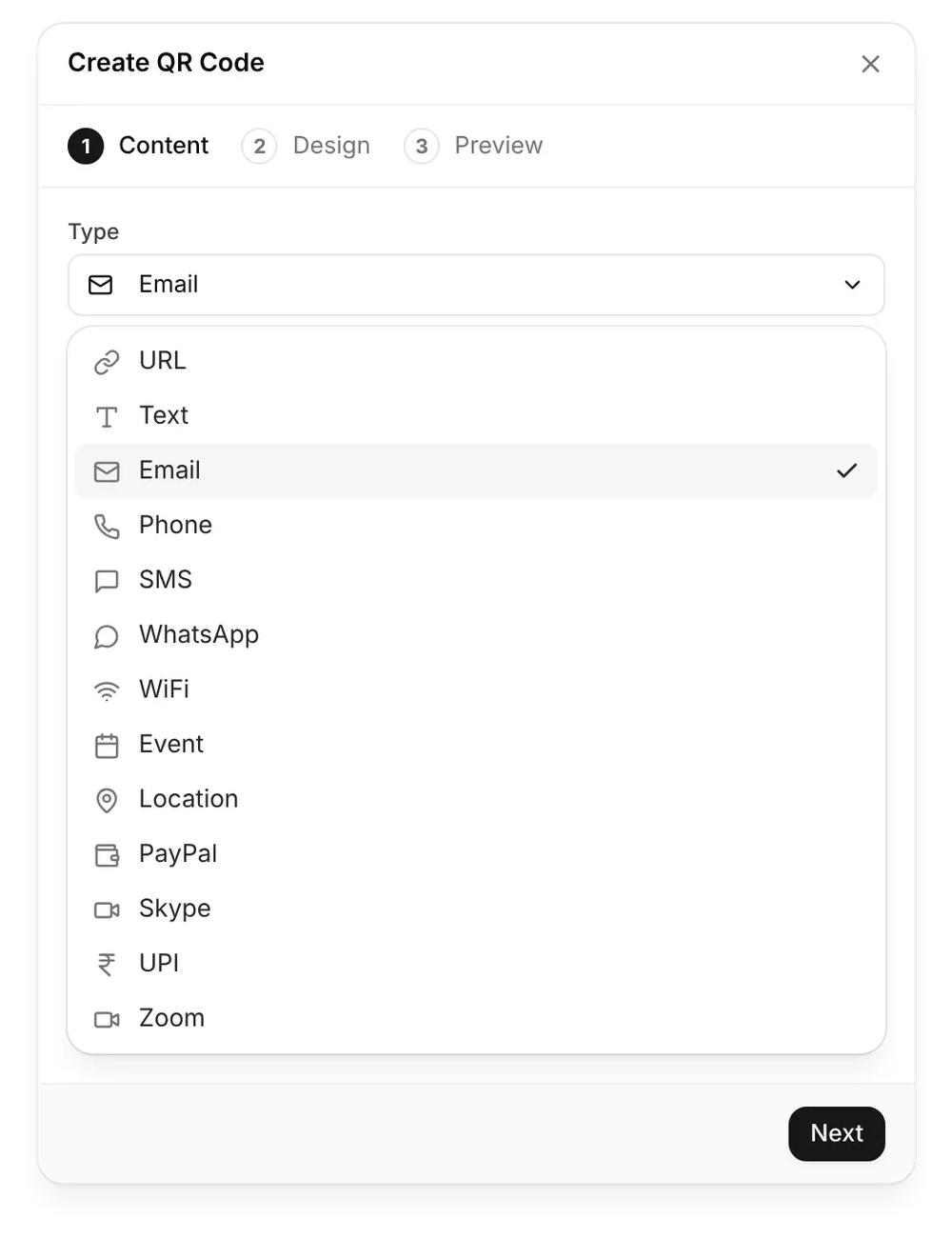
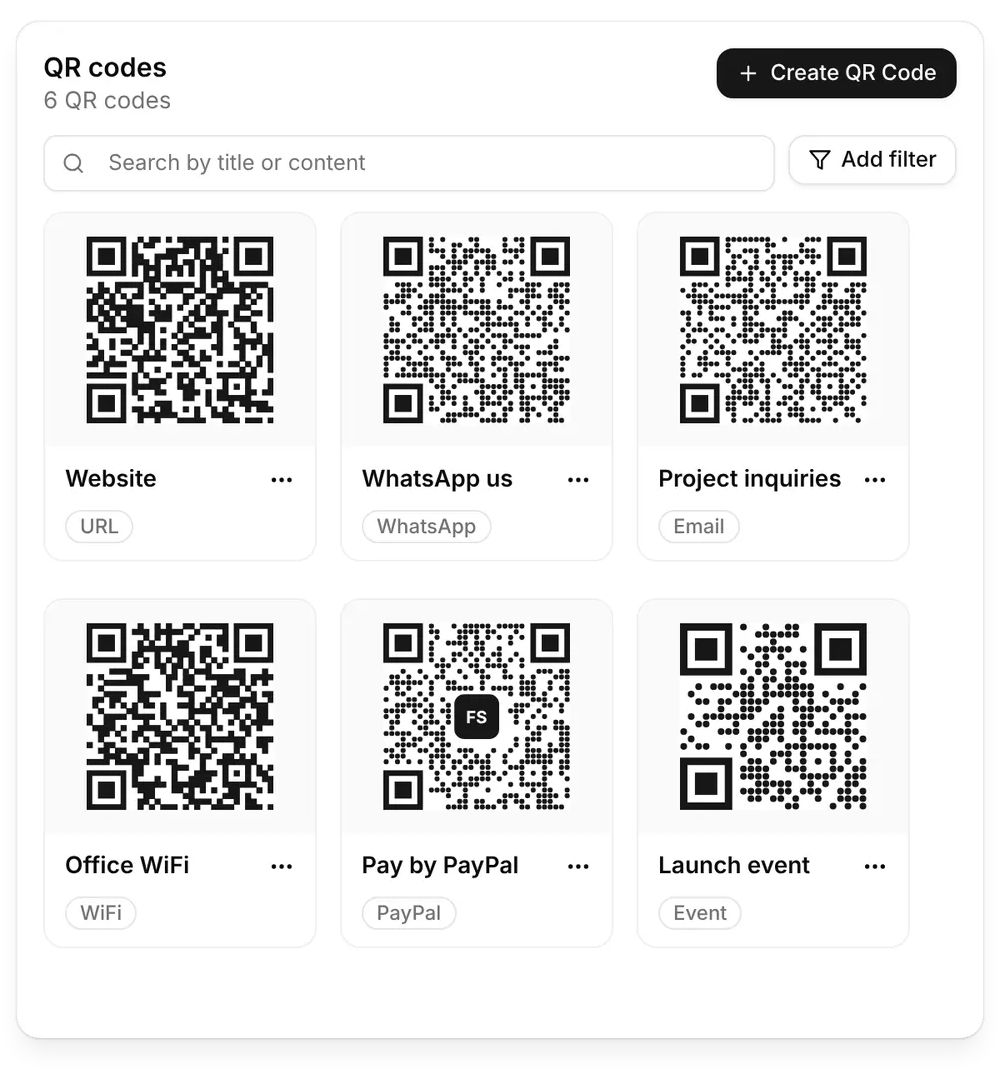
Branded QR codes for every way people reach you. Create QR codes for links, email, WhatsApp, payments, WiFi, events and more. Add your logo, pick your colours and shapes, and download them as PNG, SVG or PDF. Start free 4 QR types LinksURL, text, location and WiFi Website and landing page linksPlain textMap locationJoin a WiFi network Create a QR code Opens ready to send 4 QR types ContactEmail, phone, SMS and WhatsApp Email with subject and messageCall a phone numberSMS ready to sendOpen a WhatsApp chat Create a QR code 2 QR types PaymentsPayPal and UPI PayPal payment linkUPI paymentYour logo on the codePrint on invoices and receipts Create a QR code 3 QR types MeetingsEvent, Zoom and Skype Save an event to the calendarJoin a Zoom meetingStart a Skype callColours that match your brand Create a QR code Trusted by growing companies Website linksEmailWhatsAppPhone and SMSWiFiLocation PayPal and UPIEventsZoom and SkypeYour logoColours and shapesPNG, SVG and PDF Every QR code, on brand.Create, style and download QR codes in Olqan, next to the rest of your work. CreatePick from 13 QR types and fill in the details. See QR types StyleAdd your logo, colours and shapes. See design options DownloadDownload as PNG, SVG or PDF for print or screen. See downloads Built for every QR code you need.Pick a part of QR Codes and see it in Olqan. QR Codes 13 QR types Email and messages Shapes and colours Your logo Download All your codes See plans and pricing 13 QR types Create QR codes for URLs, text, email, phone, SMS, WhatsApp, WiFi, events, locations, PayPal, Skype, UPI and Zoom. 13 types in one placeLinks, contact and paymentsEvents and meetings Email and messages Email QR codes open with the address, subject and message filled in. WhatsApp and SMS codes open a chat ready to send. Subject and message filled inWhatsApp and SMSPhone calls in one scan Shapes and colours Choose body, eye frame and eye ball shapes, then pick solid, linear or radial colours to match your brand. Body and eye shapesSolid or gradient coloursCustom eye colours Your logo Upload your logo and place it in the centre of any QR code. Logo in the centreWorks with any QR typeOn brand everywhere Download Download every QR code as PNG, SVG or PDF, ready for print, screens and documents. PNG for screensSVG for design filesPDF for print All your codes Keep every QR code in one list. Search by title or content, filter, and edit any code later. Every code in one listSearch and filterEdit any time Teams that run on Olqan.What our customers say. “It's really convenient for my team to do cross-functional tasks from sales to managing their times and keeping track of everything.” Ibrahim Barhumi Founder & CEO “I use Olqan for my entire company and it really solves various operational areas like Operation, Sales, and HR.” Sochenda Hassig Chief Financial Officer “We tried other platforms over the last year or two, but none of them have come close to Olqan.” Kaelan Boyd Nonprofit Founder From idea to scan.QR Codes is part of Olqan, next to your forms, clients and sales. 1Type pickedChoose from 13 QR types. 2Details addedAdd the link, email, number or payment details. 3Code styledAdd your logo, colours and shapes. 4Code sharedDownload it and put it on print, screens or documents. See how sales teams use Olqan Get started Questions about QR Codes. Is QR Codes part of Olqan? Yes. QR Codes is part of Olqan, so you do not need a separate QR code tool. What QR types can I create? 13 types: URL, text, email, phone, SMS, WhatsApp, WiFi, event, location, PayPal, Skype, UPI and Zoom. Can an email QR code open a ready message? Yes. Set the email address, subject and message, and the email opens ready to send. Can I add my logo? Yes. Upload your logo and it sits in the centre of the code. Can I change colours and shapes? Yes. Pick body and eye shapes, solid or gradient colours, and custom eye colours. Which formats can I download? PNG, SVG and PDF. Can I find and edit my codes later? Yes. All your QR codes sit in one list. Search by title or content, filter, and edit any code. Create your first QR code with Olqan. Start free and download your first branded QR code today. Start free Book a demo